From an entrance poster to an exhibition wall or a shaped gallery display, start with what your audience needs to see. Explore placement ideas, content uses and the questions that define a practical specification.
The application images are independently generated planning illustrations. Final suitability, installation and control requirements are confirmed for your project.
10Venue-specific application briefs
28Display models and series
LED + LCDSeparate formats and specifications
HB-X / INDUSTRY SELECTION GUIDES
Take the next step in your specification
Explore a recommended model, lighting considerations, source parameters and buyer questions for four common LED poster projects.
Give a new collection its own focal point. Plan a mobile direct-view LED poster around close browsing, product imagery and the space customers need to move.
Bring vehicle imagery, launch content and feature explainers into the showroom. Specify a freestanding LED display around viewing positions, glazing and vehicle access.
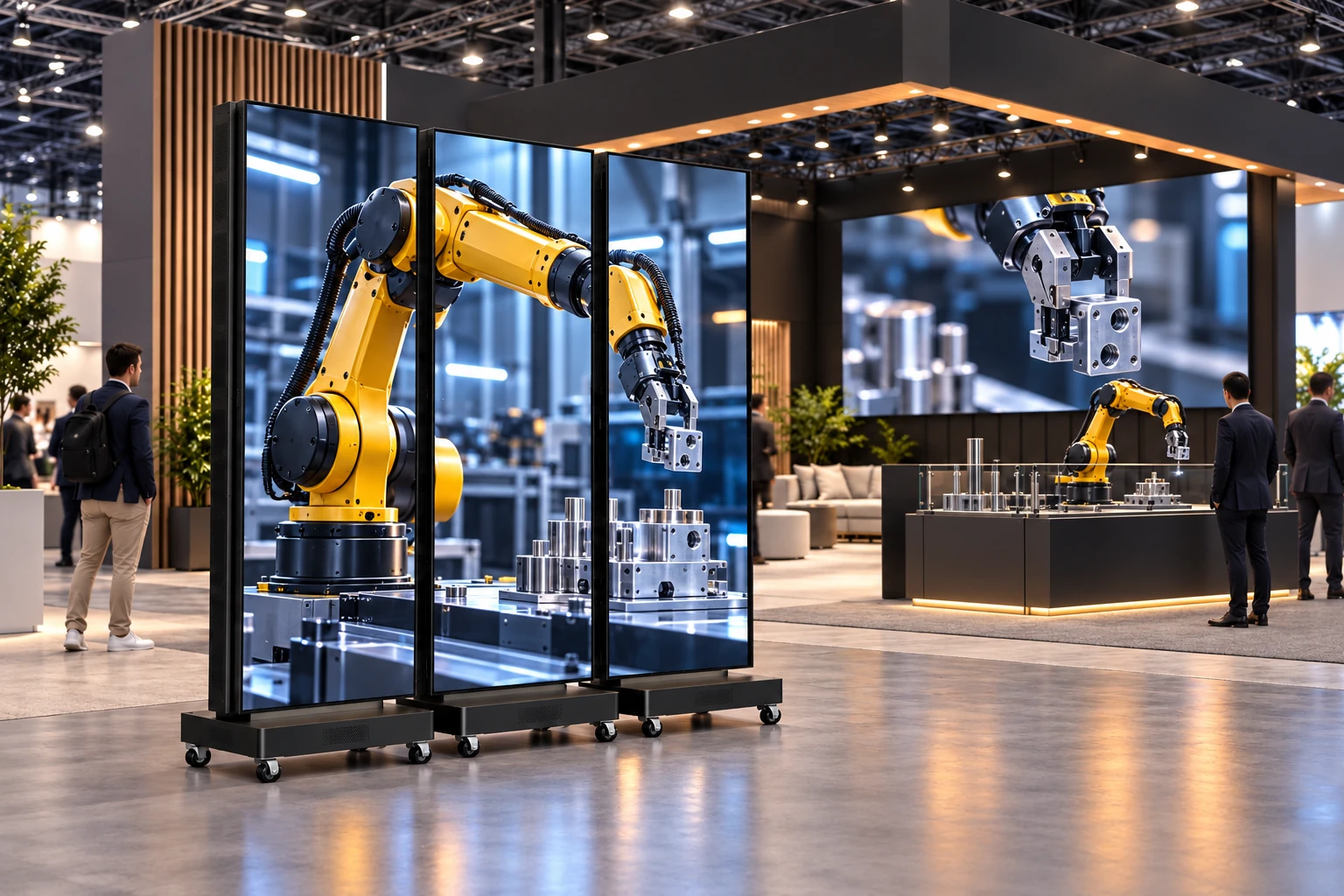
Use a single mobile poster for a product demonstration or plan a joined display for a booth backdrop. Resolve screen layout, controller mapping and transport before the show.
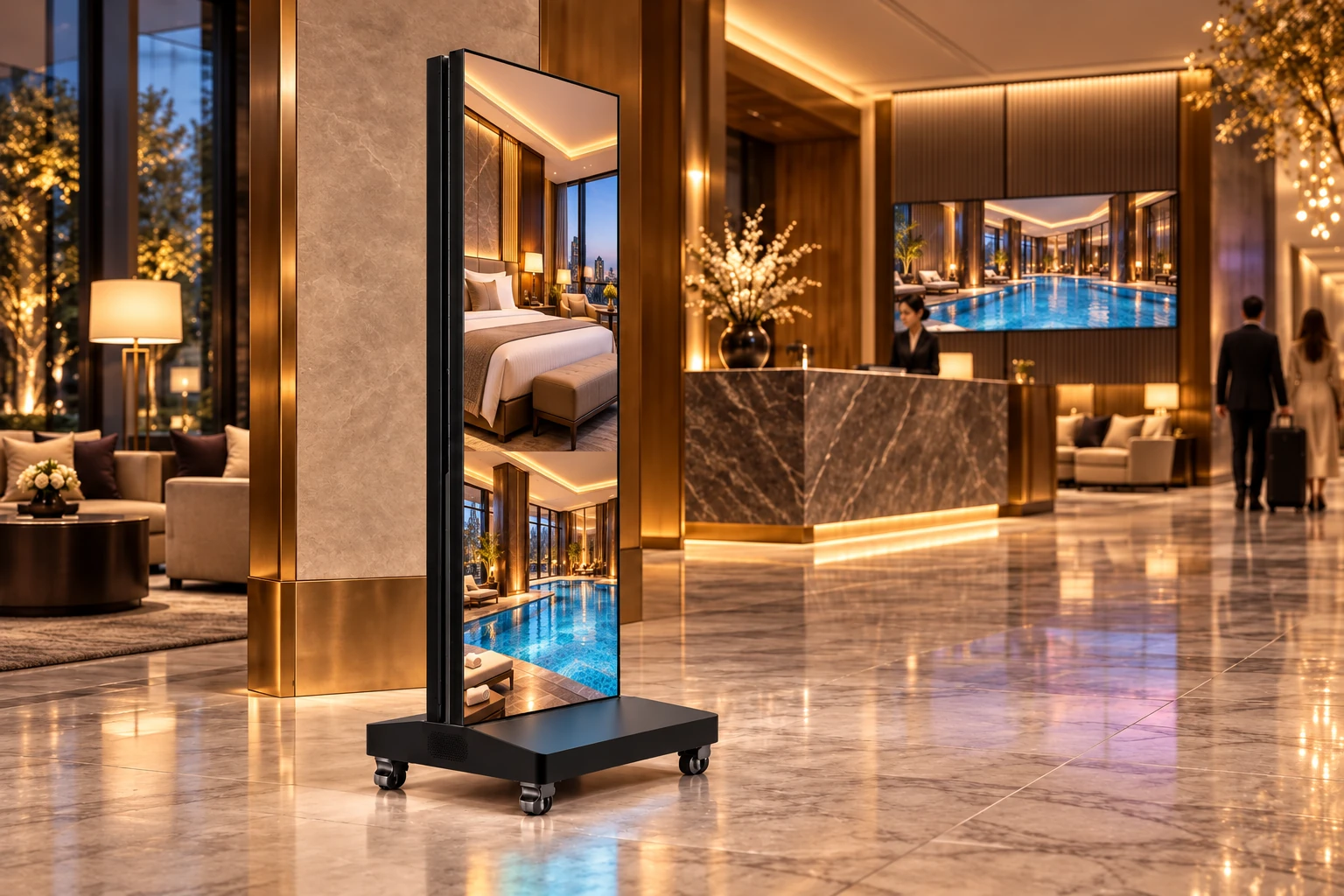
Create a clear focal point for welcome content, event directions and venue imagery. Plan a portrait LED poster for guest circulation, daylight and the lobby content workflow.
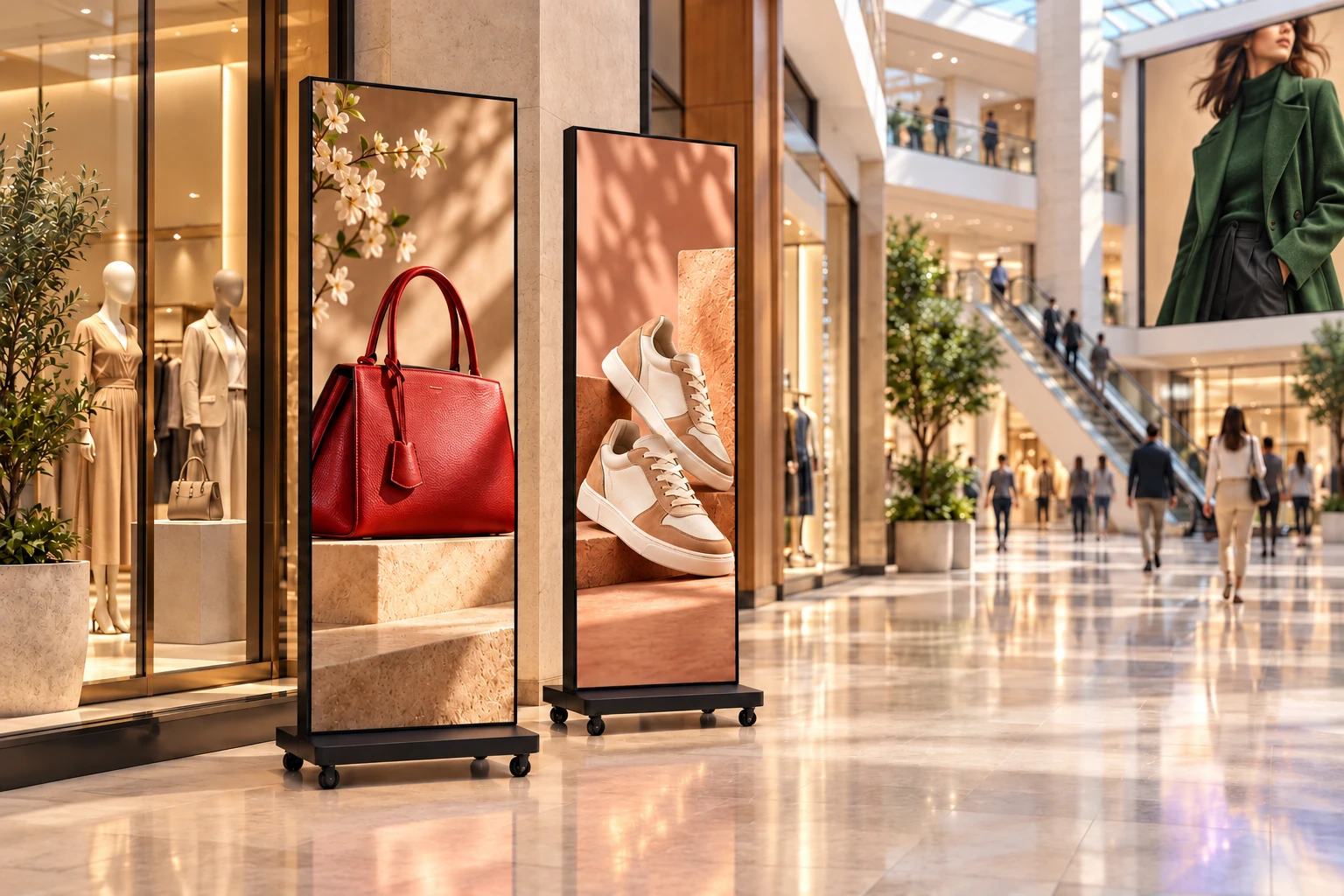
Give seasonal campaigns and store launches a place in the customer journey, from the mall atrium to the shop entrance. Mobile posters can complement a fixed display without redesigning the whole space.
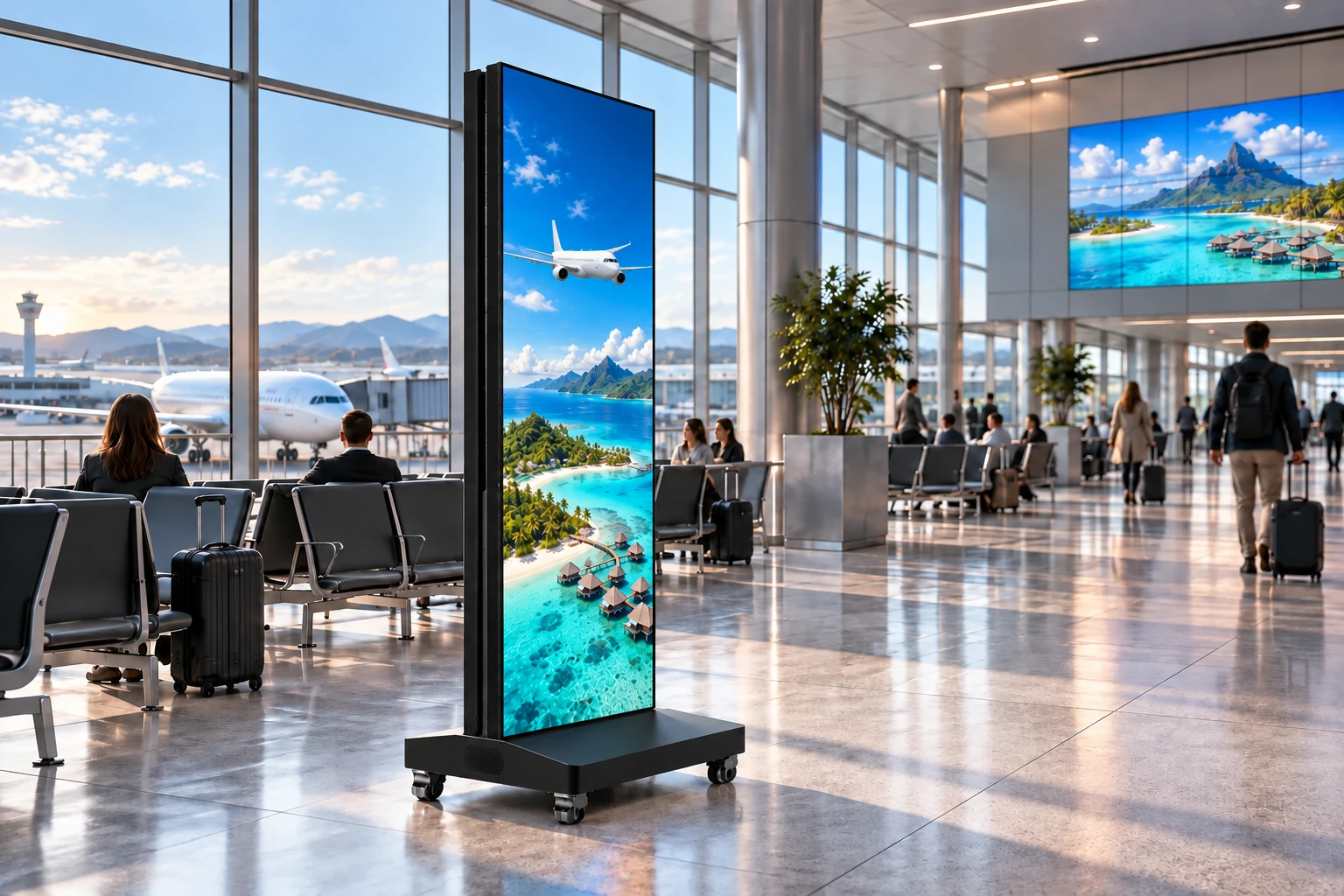
Use terminal advertising and passenger-information locations to reach people as they arrive, wait and move between services. Specify the content workflow alongside the display hardware.
Content to plan
Travel and retail advertising
Passenger information and orientation
Arrival and lounge welcome content
Where to place it
Waiting lounges and retail walkways
Arrival halls and baggage areas
Reception and passenger-service points
Define the specification
01Operating hours, ambient light and sight lines
02Information feeds, player and controller compatibility
03Mounting access and circulation around the display
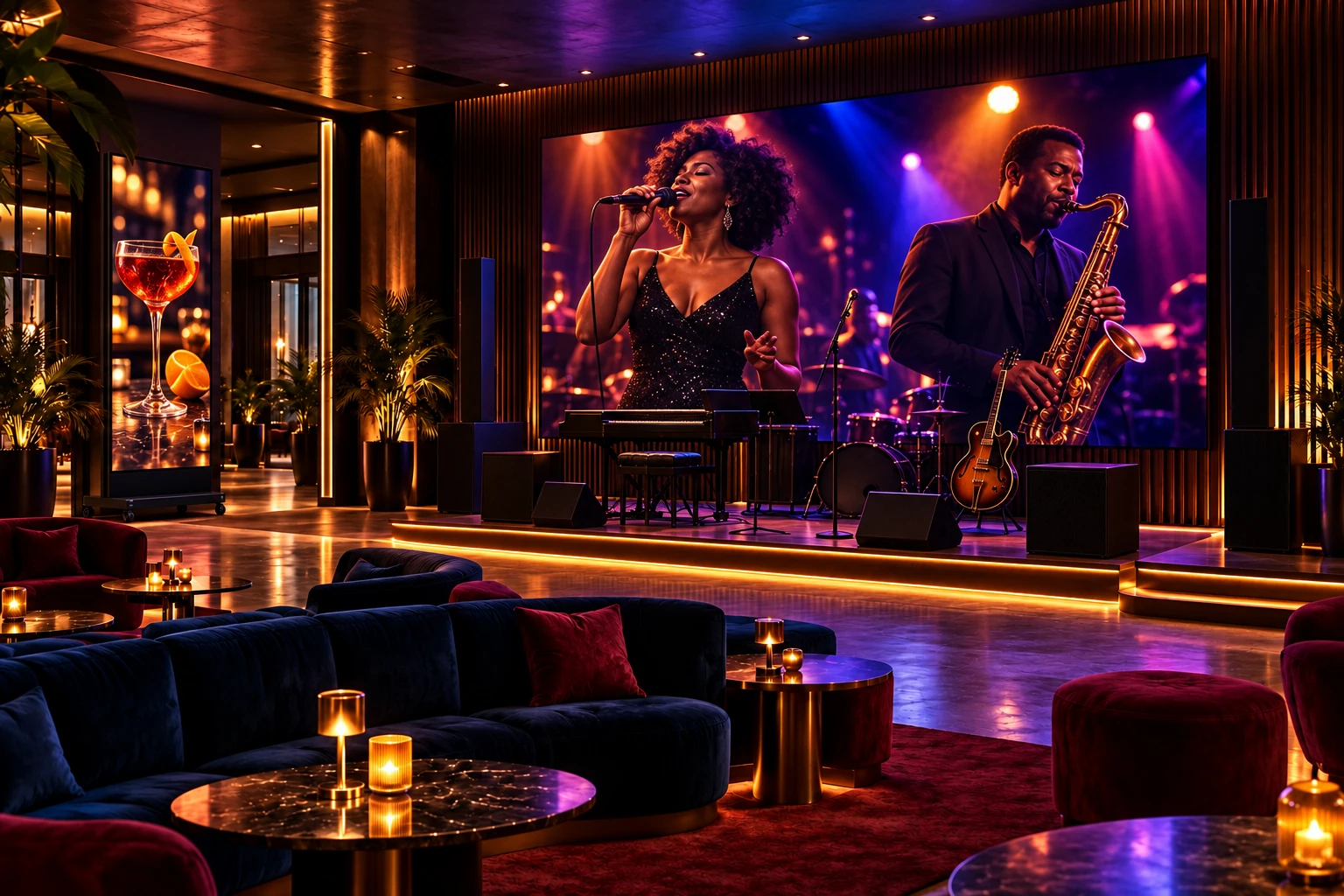
Shape the room with performance visuals, event announcements and changing campaign content. Match a fixed wall, creative surface or movable poster to the way the venue is used.
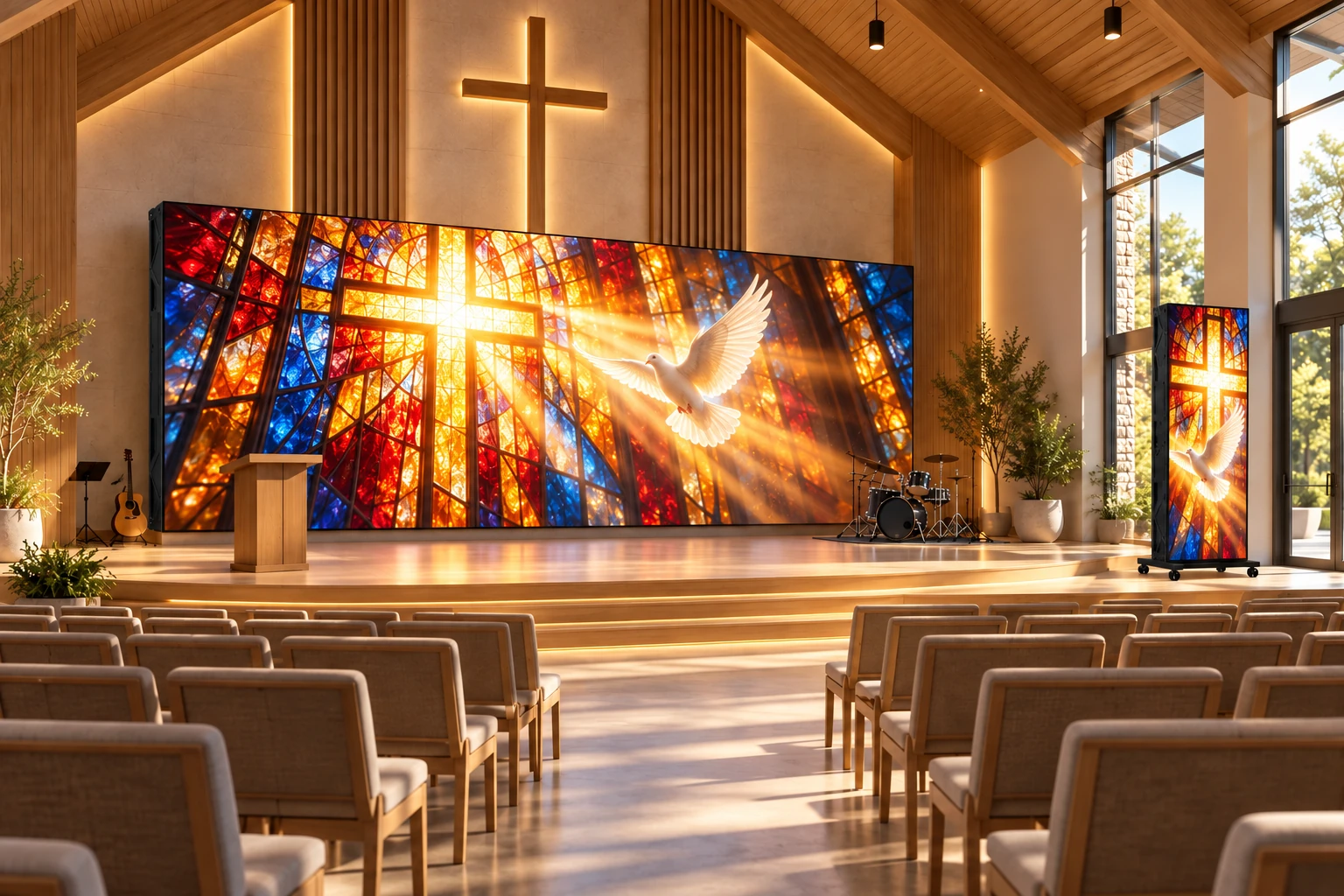
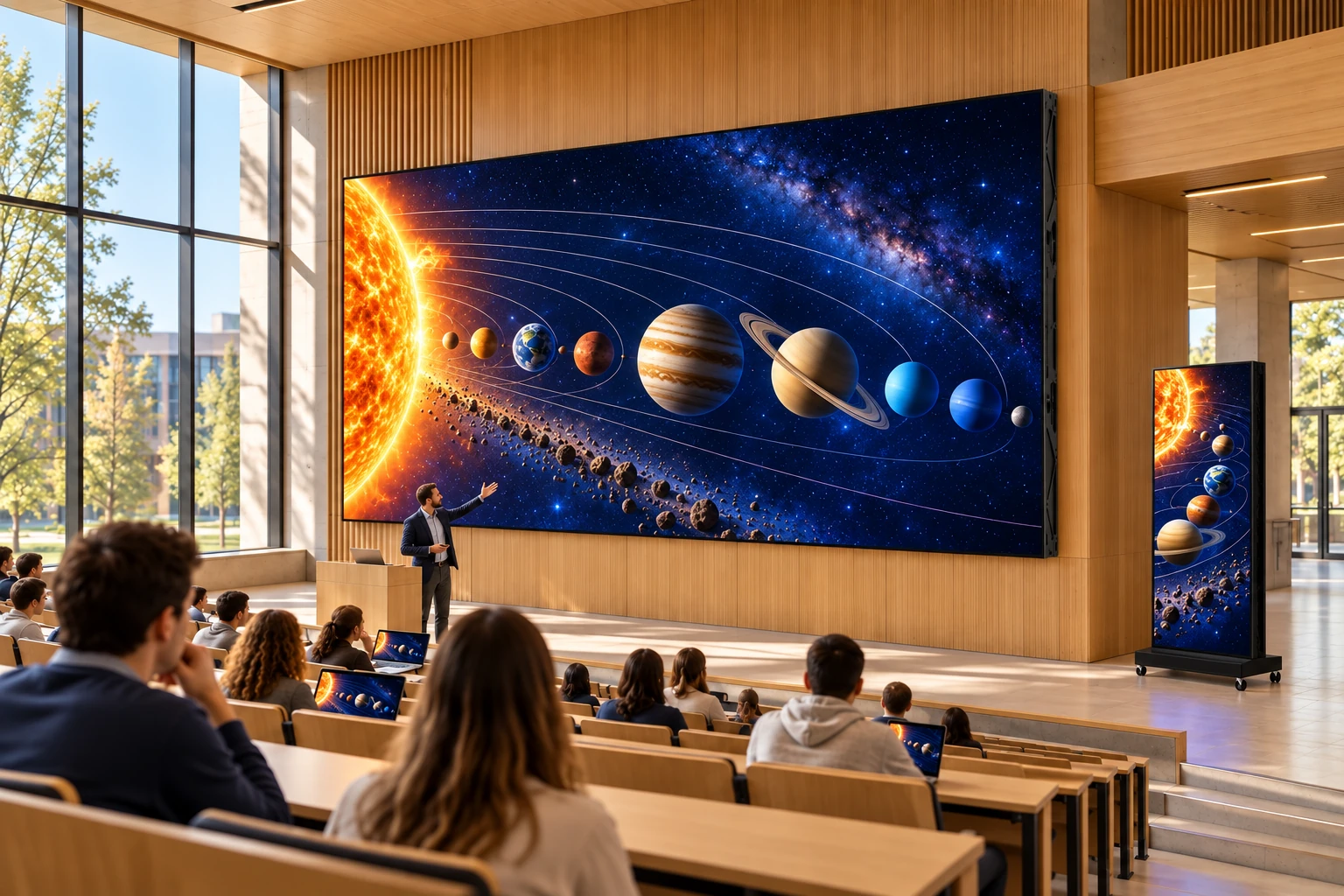
Plan a shared visual canvas for presentations, lyrics and community announcements. Review the seating layout and actual content so the display suits both the room and the audience.
Bring lecture media, campus announcements and assembly content into the spaces where students gather. Define the presentation inputs and room conditions before choosing the format.
Content to plan
Lecture media and visual diagrams
Campus news and event information
Assembly and guest-speaker presentations
Where to place it
Lecture and assembly halls
Campus entrances and reception
Shared learning and exhibition areas
Define the specification
01Text and diagram detail at the intended distance
02Presenter devices and required input connections
Use a mobile poster, joined display or modular event wall to introduce your story from the aisle. Plan the media canvas together with the booth footprint and the transport requirements.
Content to plan
Brand launches and product demonstrations
Original animation and campaign films
Presentation and joined-screen media
Where to place it
Booth entrances and aisle-facing edges
Presentation backdrops and demo areas
Registration and visitor-welcome points
Define the specification
01Unit count, layout and controller pixel load
02Packed dimensions, handling and flight-case needs
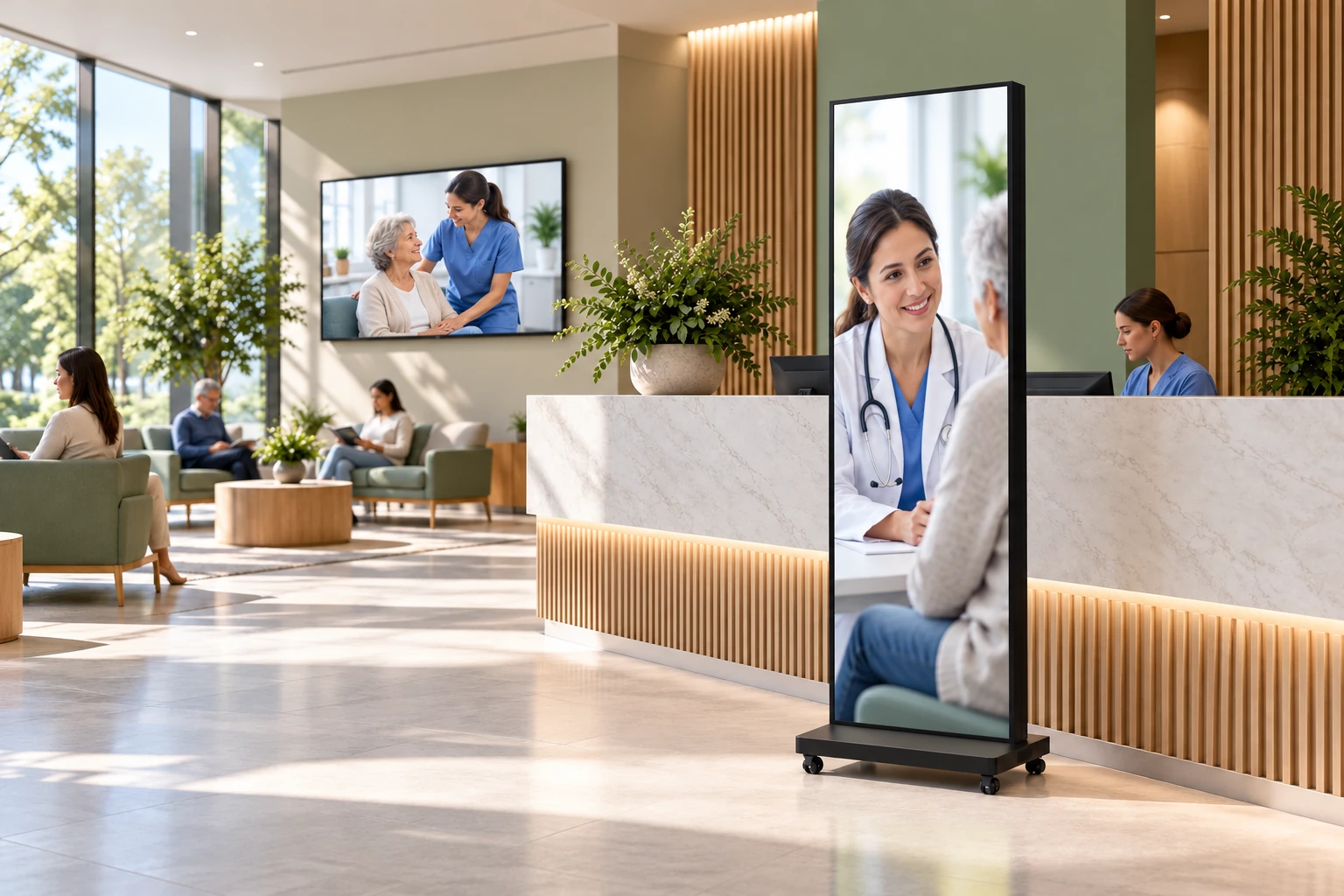
Plan clear visitor communication in reception and waiting spaces, with a calm visual treatment. Public information, orientation and service content need a defined publishing workflow.
Content to plan
Visitor information and orientation
Public-service and appointment guidance
Calm nature imagery and general announcements
Where to place it
Visitor reception and waiting rooms
Public corridors and service desks
Community-information areas
Define the specification
01Readable content for the viewing positions
02Approved information sources and access permissions
03Placement, clearances and maintenance arrangements
Connect arrival, concierge and conference spaces with a coordinated visual welcome. Posters and wall displays can carry destination imagery, event information and service introductions.
Content to plan
Welcome and destination visuals
Conference and venue information
Dining, leisure and service introductions
Where to place it
Arrival lobbies and concierge zones
Conference entrances and gathering areas
Restaurant and leisure reception
Define the specification
01Interior finish, ambient light and screen placement
02Content scheduling across the property
03Mobile use, cable routing and daily service access
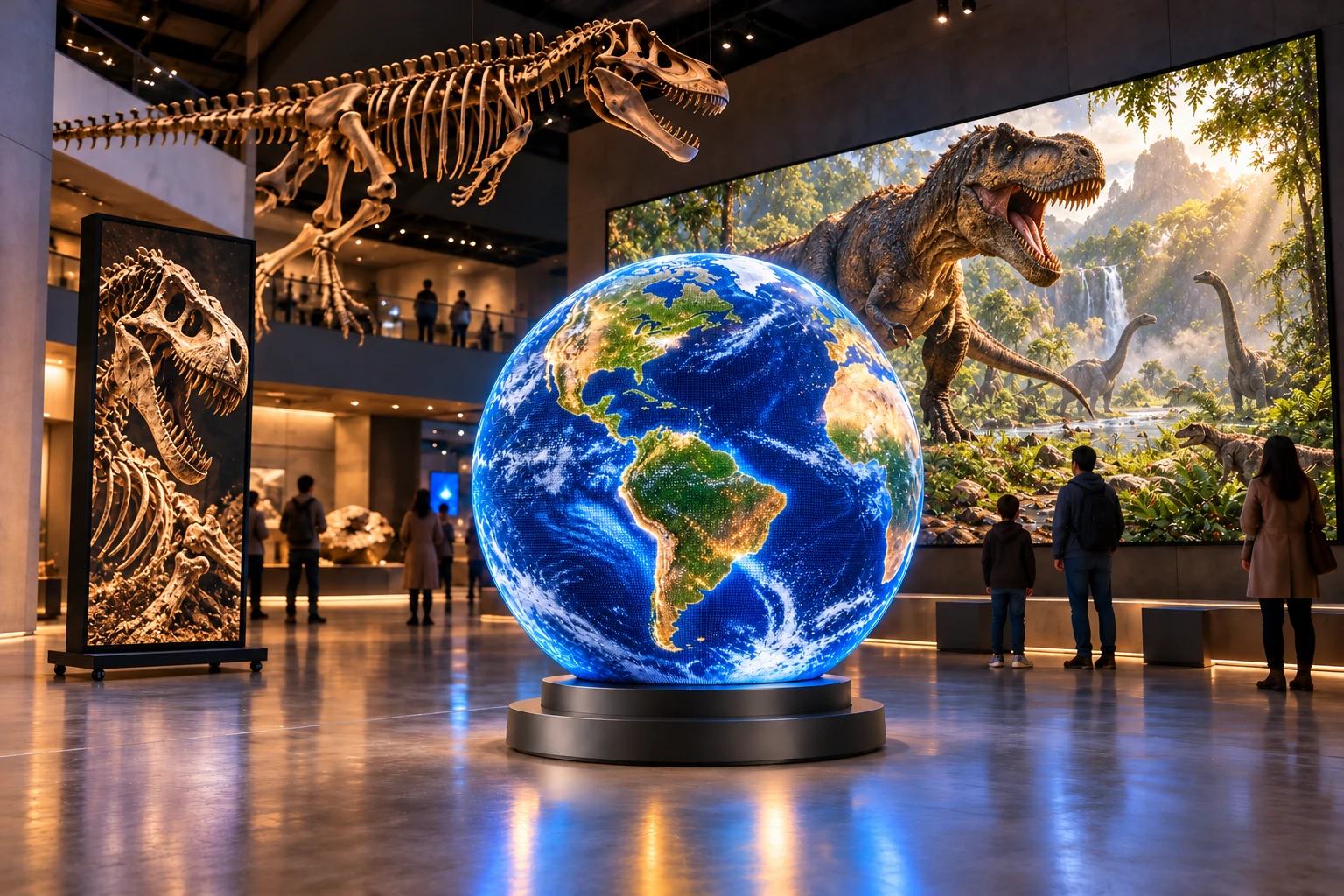
Give exhibition stories a screen format that fits the gallery: a portrait introduction, a wide visual backdrop or a shaped digital exhibit. Start with the visitor path and media design.
Content to plan
Exhibition introductions and visual storytelling
Scientific animation and immersive scenery
Digital art and three-dimensional mapped content
Where to place it
Gallery entrances and orientation points
Immersive rooms and feature walls
Spherical or curved exhibit focal points
Define the specification
01Viewing distance and gallery-lighting conditions
02Sphere or curved-surface content mapping
03Supporting structure, visitor separation and service access
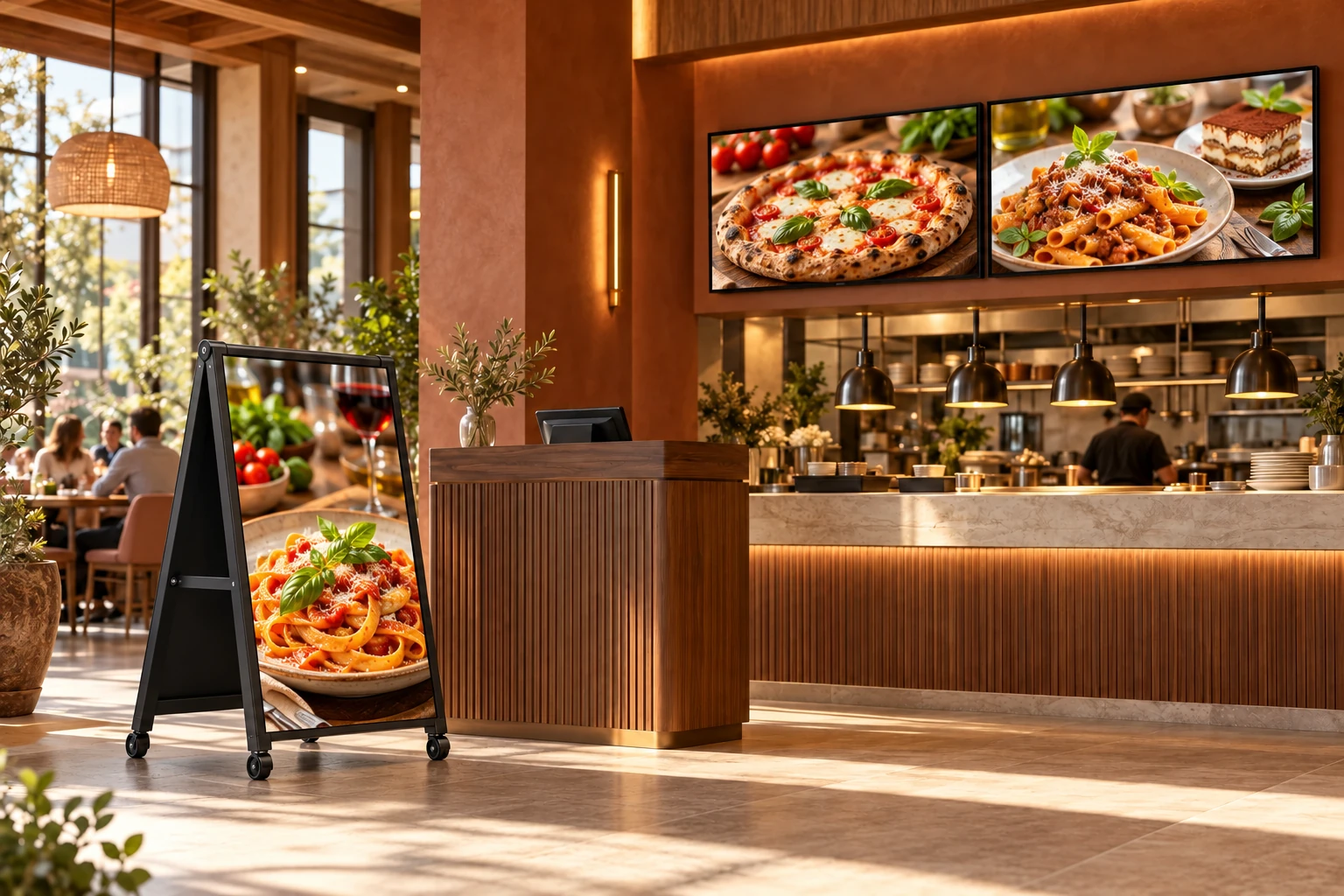
Put food photography, seasonal menus and service information where guests make their next choice. Compare an entrance poster with landscape counter or wall-mounted signage.
Content to plan
Food photography and seasonal selections
Menu and promotional content
Service information and brand stories
Where to place it
Host points and restaurant entrances
Ordering counters and pickup areas
Dining-room walls and food-court zones
Define the specification
01Menu readability, orientation and media resolution
02Content update process and player requirements
03Ambient conditions, cleaning and mounting access
Send your floor plan, viewing distances, sample media, quantity and destination. We will discuss the display format, selected model, controller, mounting and packing as one project scope.