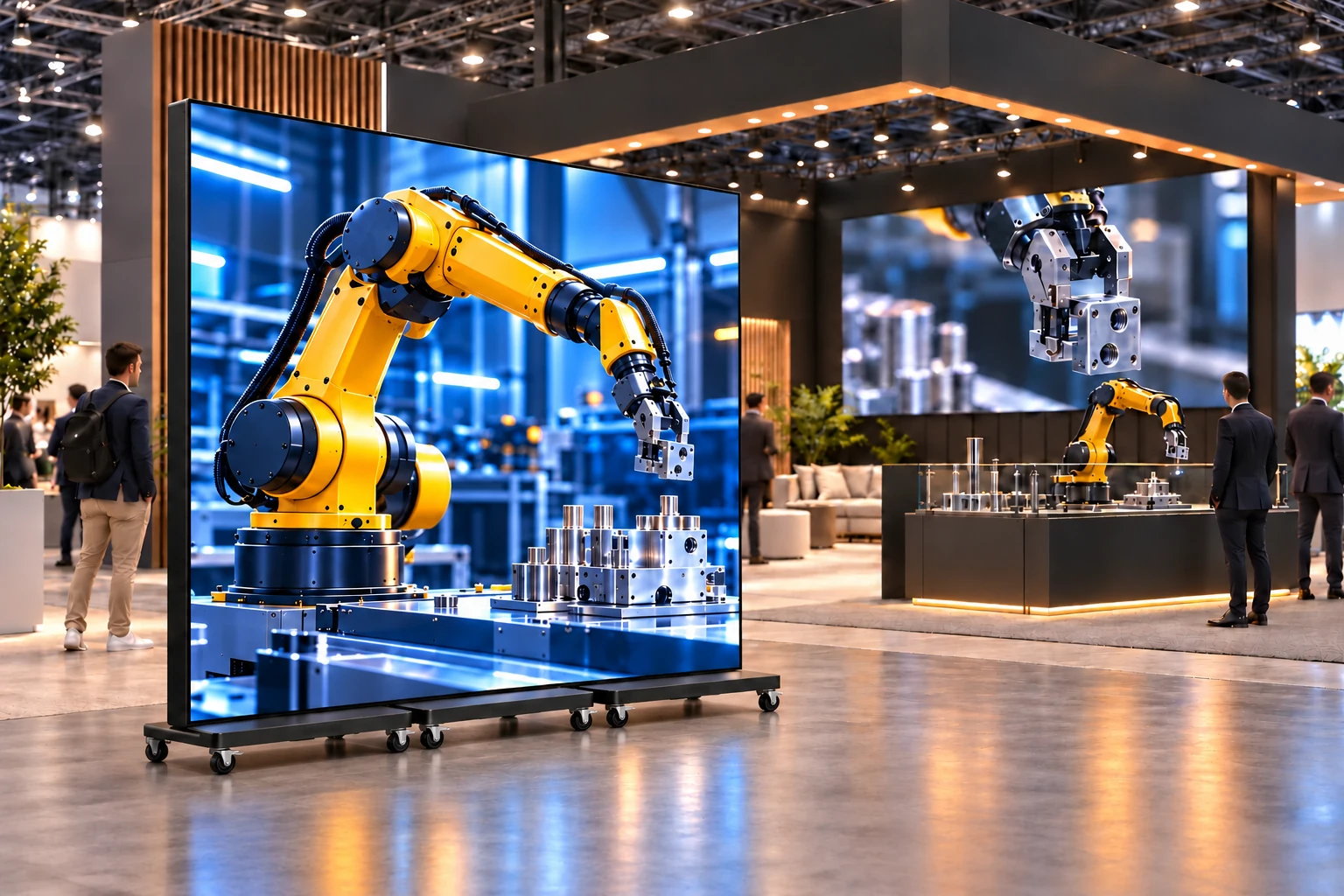
A short product demo needs a clear view from the presenter’s side; a backdrop has to read from the aisle. Use the booth plan and a sample video to decide between a single LED poster and a joined display before booking venue power.
The model and distance range are planning starting points, subject to a project assessment. Imagery is independently generated and illustrates placement or product appearance.
Make the next display decision
Start with the job inside the booth: a single poster for a product demonstration or a joined layout for a wider message. Then compare purchase and rental against repeat use and the actual project scope, rather than assuming one is always cheaper.
Set the canvas before making the video
Confirm the number of units and how the content will span them. Calculate the active canvas from the selected layout; several portrait posters do not automatically form a 16:9 screen.
List the shows you expect to attend and who will store, prepare and operate the displays. Compare like-for-like scopes and unresolved costs before choosing purchase or rental.
Use the final media and proposed signal path in the acceptance demonstration. Record what was tested and who will handle operation; the venue must separately approve its electrical and installation requirements.
The suggested model is a starting point, not a fixed specification. You can begin with your name, email and project needs; add optional details when you know them. A document request starts a discussion about what is available for the proposed configuration.
Planning guidance updated:
01 / TECHNICAL ASSESSMENT
Match the booth canvas to the aisle and demo positions
VIEWING DISTANCE
3–6 m planning range
Measure the nearest and farthest positions. Review sample media at the proposed pitch; this range is not a certified minimum viewing distance.
BRIGHTNESS & AMBIENT LIGHT
Assess the actual lighting
Assess hall lighting and adjacent exhibitors. Confirm screen brightness, electrical load and venue requirements with the proposed content.
SETUP METHOD
Three joined posters, subject to controller and layout approval
Confirm base stability, cables, power and control. Joined units also need an approved layout and content map.
02 / APPLICATION PLANNING
Resolve the project details early
01
A backdrop that fits the booth
Three 640 × 1920 mm active areas total 1920 × 1920 mm, a 1:1 content canvas before physical cabinet gaps. Confirm the joining layout, seam appearance and content map; do not assume a 16:9 output.
02
Temporary power and control
HB-X2.5 lists 430 W peak power per unit. Three units total 1290 W listed peak display load before controller or other equipment. Venue electrical design and circuit protection require a separate assessment.
03
Repeated transport
Request a packing proposal with dimensions, gross weight and spare-parts scope. Flight cases are a quotation option; case capacity and packed weights are not established by the source brochure.
Values above are from the supplied HB-X brochure. Power figures are listed specifications; actual consumption depends on content and settings. Brightness, controller, packing and installation details are confirmed for the selected configuration.
It is a starting option for medium-distance booth content, with a listed 2.5 mm pitch and 256 × 768 pixel active canvas per unit. Close product demos or fine text may need a finer pitch, so confirm viewing positions and artwork first.
What aspect ratio do three joined posters create?+
Three listed 640 × 1920 mm active areas total 1920 × 1920 mm, or 1:1. Six total 3840 × 1920 mm, or 2:1. These are active-area calculations; the final physical seams, mounting and content mapping must be confirmed.
Is HDMI looping included as standard?+
No standard HDMI loop or controller is established in the source material. HDMI is listed as an optional, configuration-dependent interface. Confirm the complete signal path and synchronized playback solution in the quotation.
Can I add a flight case to the quote?+
Yes. Select the flight-case quotation option in the form and specify how many displays must travel together. The case layout, protection, dimensions, gross weight and freight cost need a confirmed packing proposal.
FACTORY DIRECT / PROJECT QUOTATION
Turn the location into a clear specification
Send the viewing positions, location photos, sample content, quantity and destination. The quote form opens with the trade show booth application and HB-X2.5 model selected.
Allow Google Analytics cookies to measure visits, page performance, search or AI sources, and clicks on brochures or contact links. Inquiry details are excluded. Declining keeps the website usable.
How analytics works
We do not send contact information to Analytics. With permission, a predefined source category is kept for this browser tab; full referring URLs and campaign text are excluded. Your choice is saved on this device and can be changed through Privacy & analytics settings.