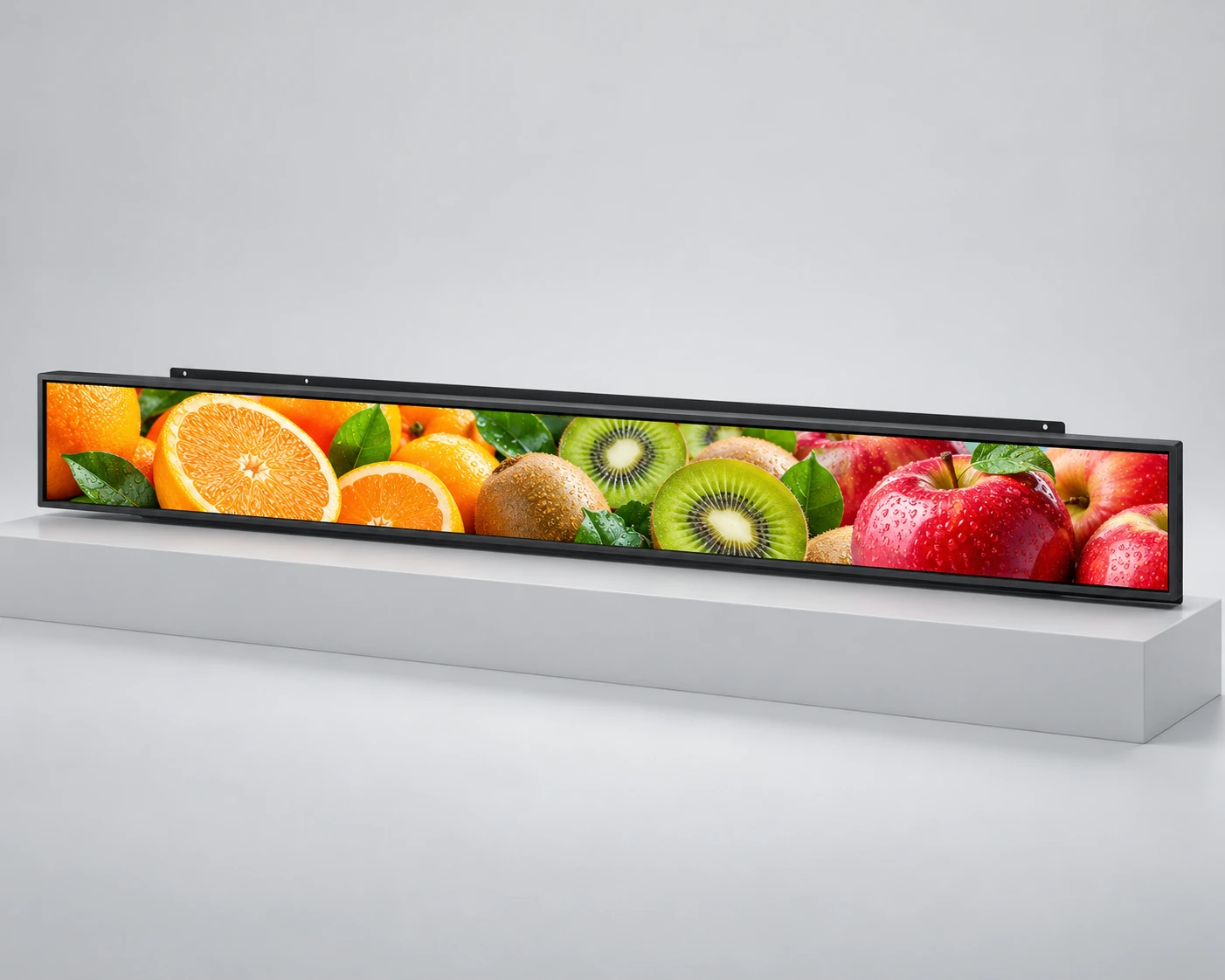
LCD bars for shelf edges and panoramic retail graphics
A stretched bar LCD puts a message along a shelf edge or above a fixture where a conventional screen is too tall. Compare the shelf-edge model with the 49-inch 32:9 display using active width and height, then check how much text a shopper can read at the fixture.
Specify the opening and the artwork for an LCD bar
Shelf-edge digital signage
Measure the available shelf run, attachment points and cable route. Confirm how individual displays are addressed and updated. This LCD bar format is distinct from small electronic price labels and should be specified against the actual media requirement.
Panoramic bar displays
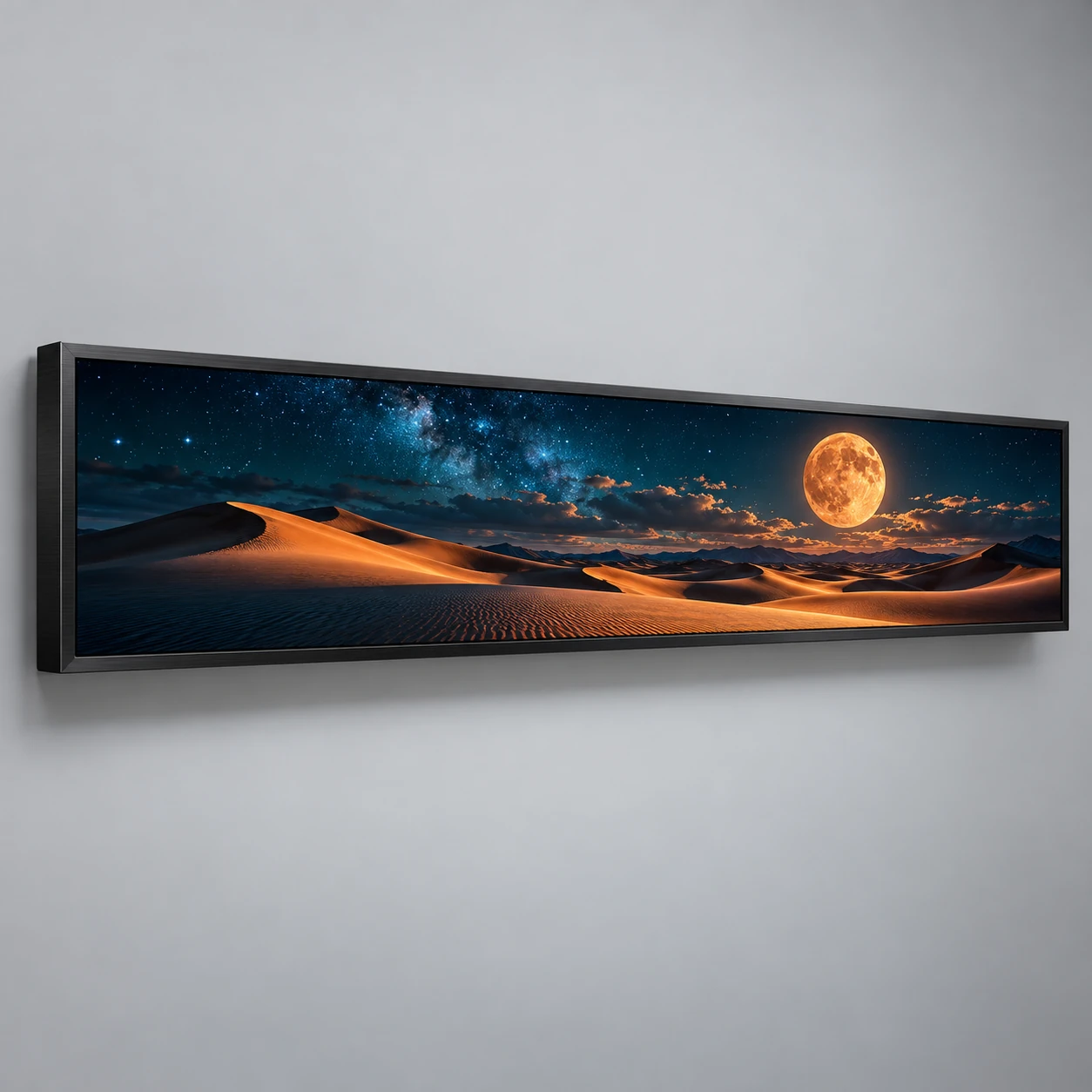
Prepare content for the selected wide canvas. Scaling an ordinary 16:9 video can crop text or leave unused areas. Agree the active resolution, safe content margins and orientation with the player configuration.
Shelf-edge strip or freestanding LED poster?
Use an LCD bar when a product label or promotion must run along a shallow fixture. If shoppers need to see a full-height campaign from the aisle, compare a freestanding LED poster and test portrait artwork at the intended distance.
Does the 49-inch diagonal identify the playback resolution?
The 49-inch series specifies a 32:9 panel format. Request the selected panel’s native pixel canvas before sizing small shelf labels or exporting the final graphics.
Will a standard 16:9 video fit a stretch display?
A player can scale a file, but a 16:9 image does not fill a 32:9 panel at its original proportions. Prepare a wide layout using the selected screen’s native pixel dimensions, then test type, faces and logos on the actual player.
Which dimensions should I send for a shelf-edge display?
Send the clear opening width, available height and depth, fixing points and cable route. Request a drawing showing both active image area and enclosure dimensions so the fixture can be checked before artwork or brackets are made.
Resources for the next decision
Related display collections
Optional website analytics
Allow Google Analytics cookies to measure visits, page performance, search or AI sources, and clicks on brochures or contact links. Inquiry details are excluded. Declining keeps the website usable.
How analytics works
We do not send contact information to Analytics. With permission, a predefined source category is kept for this browser tab; full referring URLs and campaign text are excluded. Your choice is saved on this device and can be changed through Privacy & analytics settings.