GOB protective surface
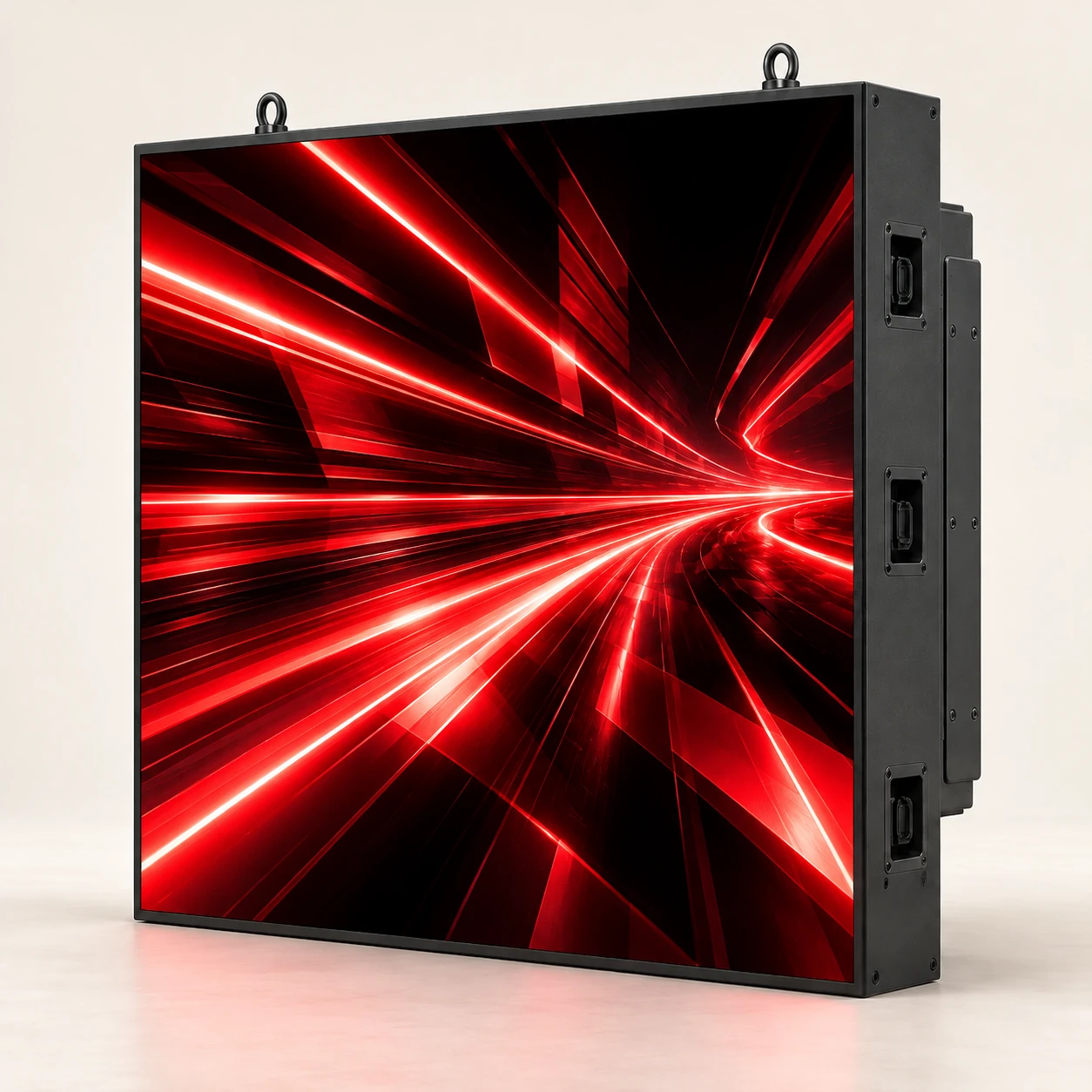
The LED series uses a GOB protective process over its direct-view LED surface. A focused format for commercial display applications.
LED POSTER DISPLAY MANUFACTURER
KEDA LED / HB-X SERIESENGINEER THE DISPLAY, AMPLIFY THE MESSAGE
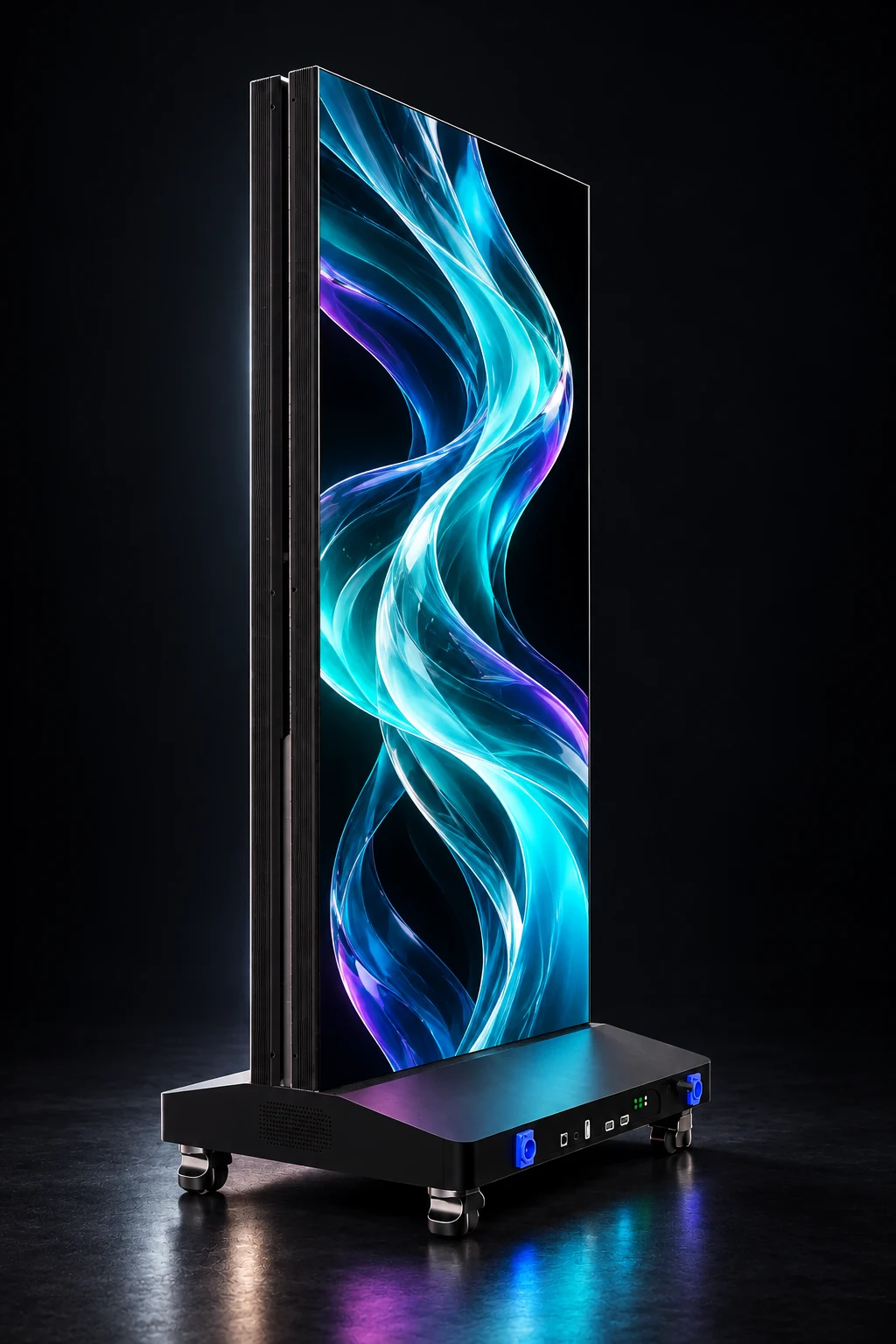
Professional LED poster screens for retail, exhibitions and commercial spaces. Four pixel pitches. One mobile format. Talk directly with our factory about your display project.
Four model options
A focused portrait format
Specified across the HB-X series
Direct-view LED protection
01 / THE LED POSTER SERIES
Choose the pixel pitch and resolution that fit your viewing distance and content. Every model shares the same 640 × 1920 mm active display area.
View the LED collection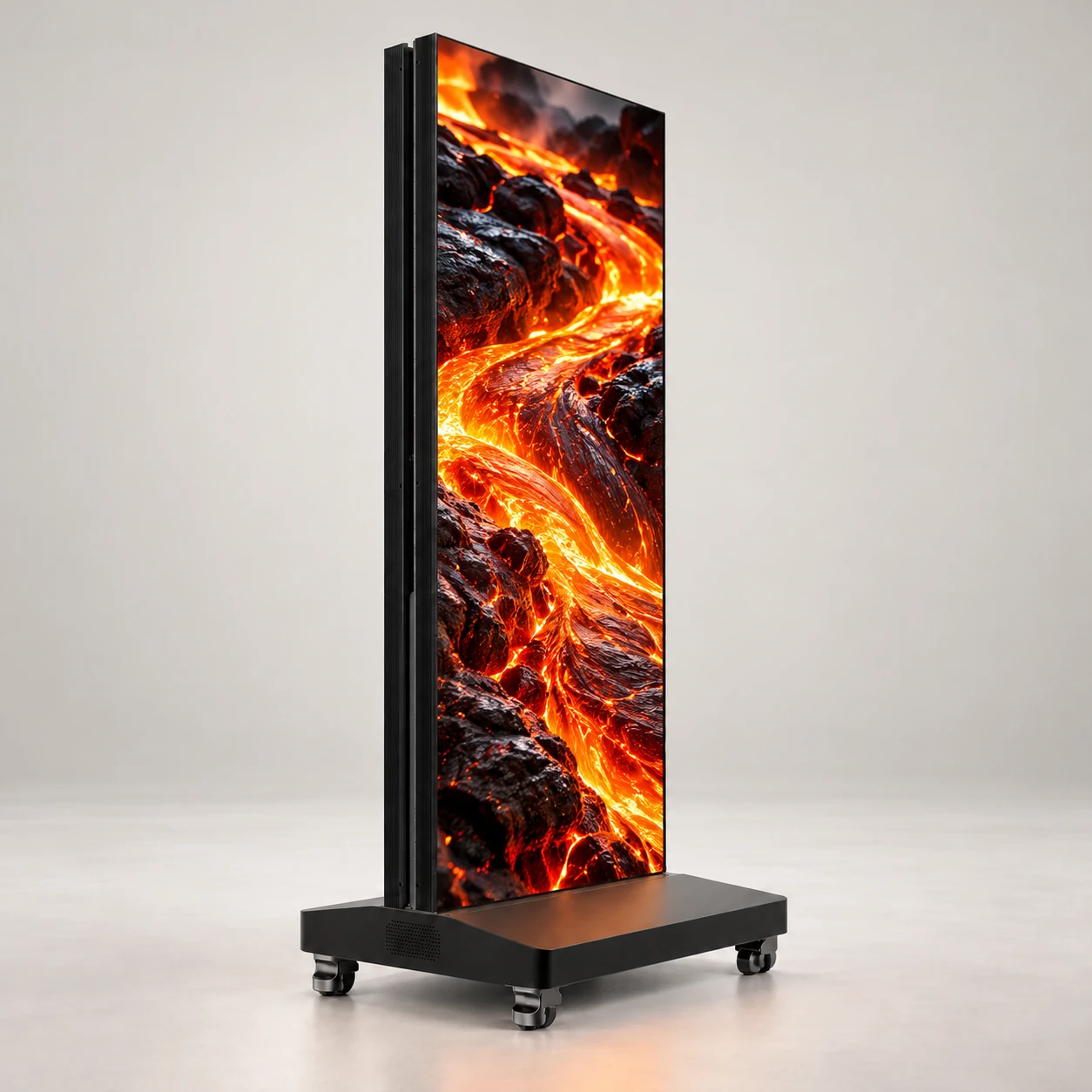
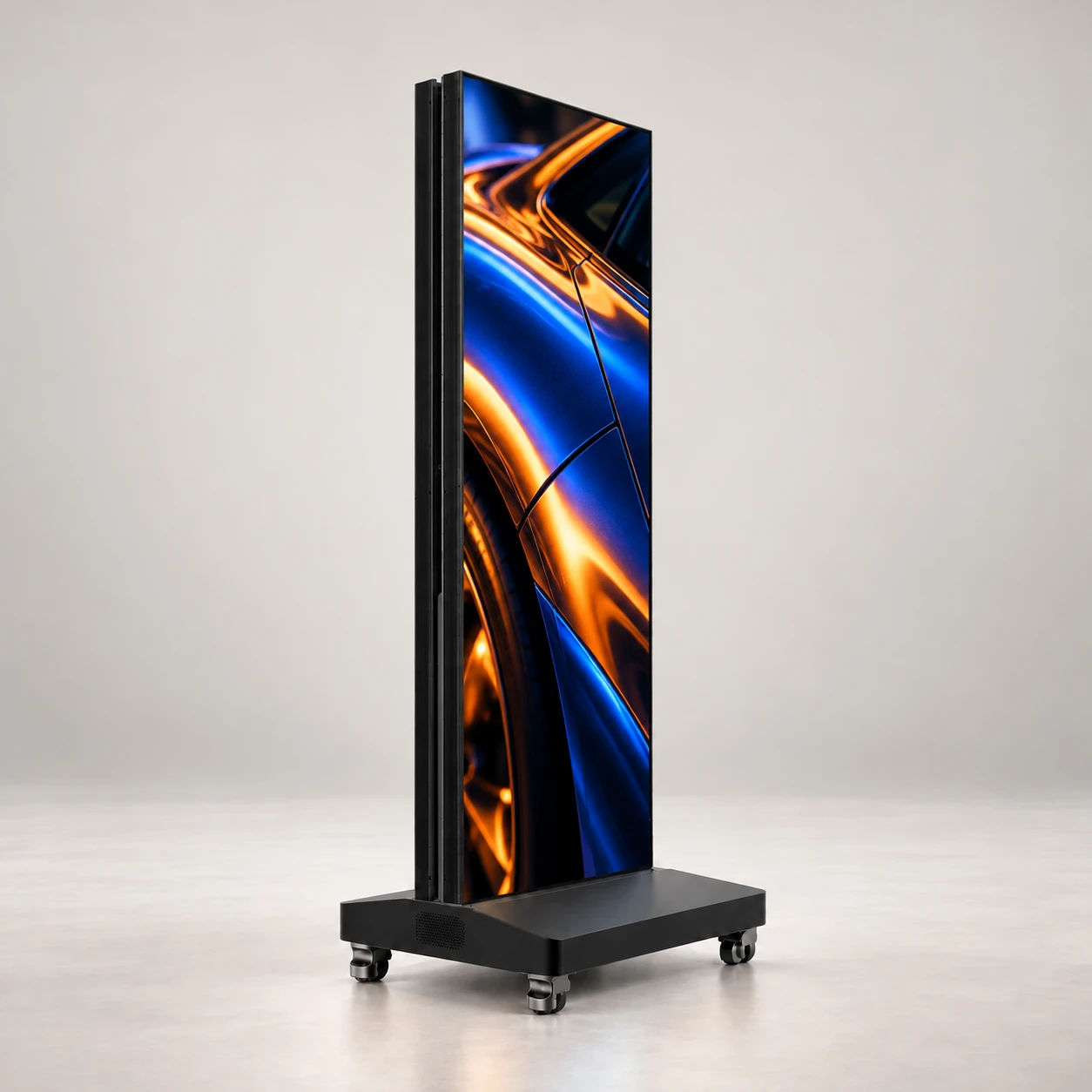
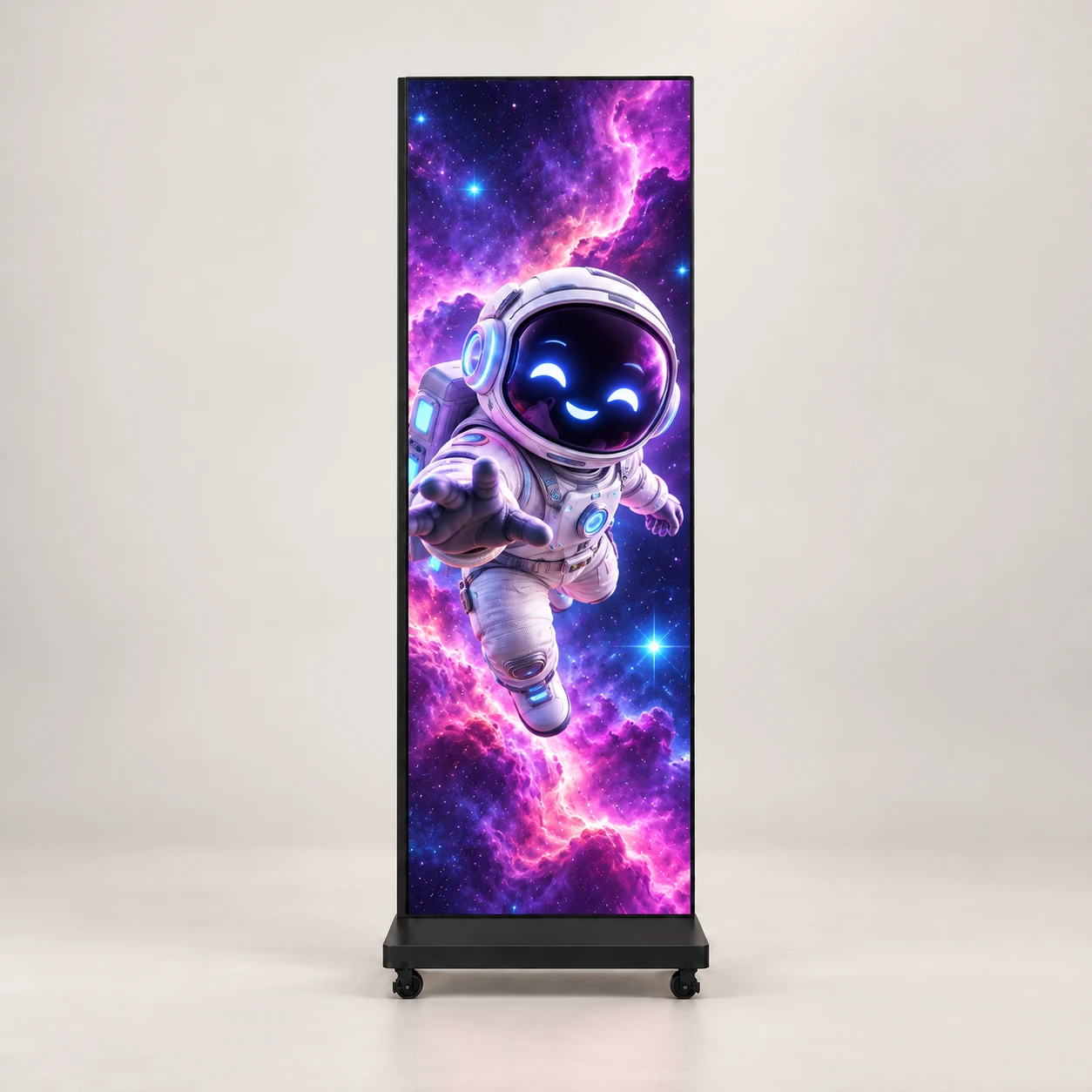
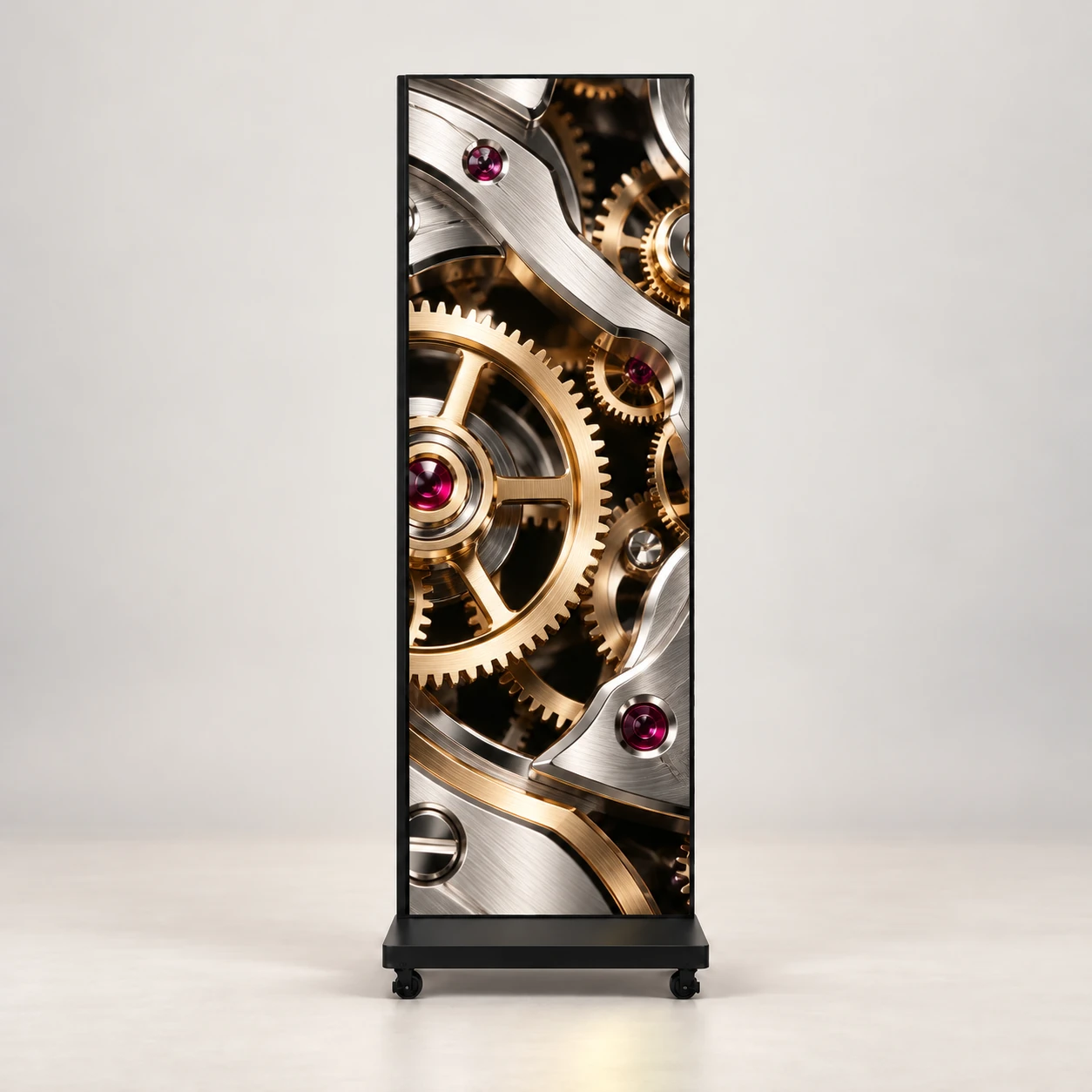
A common cabinet. A choice of detail. Compare the full specifications before selecting your model.
PIXEL DENSITY / EXPLORE THE DIFFERENCE
Move the divider to compare a magnified letter on two pixel grids. A 1.25 mm pitch places four times as many pixels in the same area as 2.5 mm.
Illustrative 40 × 40 mm pixel grids, enlarged for comparison. This is a diagram, not a camera test. Actual appearance depends on content and viewing distance.
MULTI-UNIT DISPLAY / ONE CONTINUOUS STORY
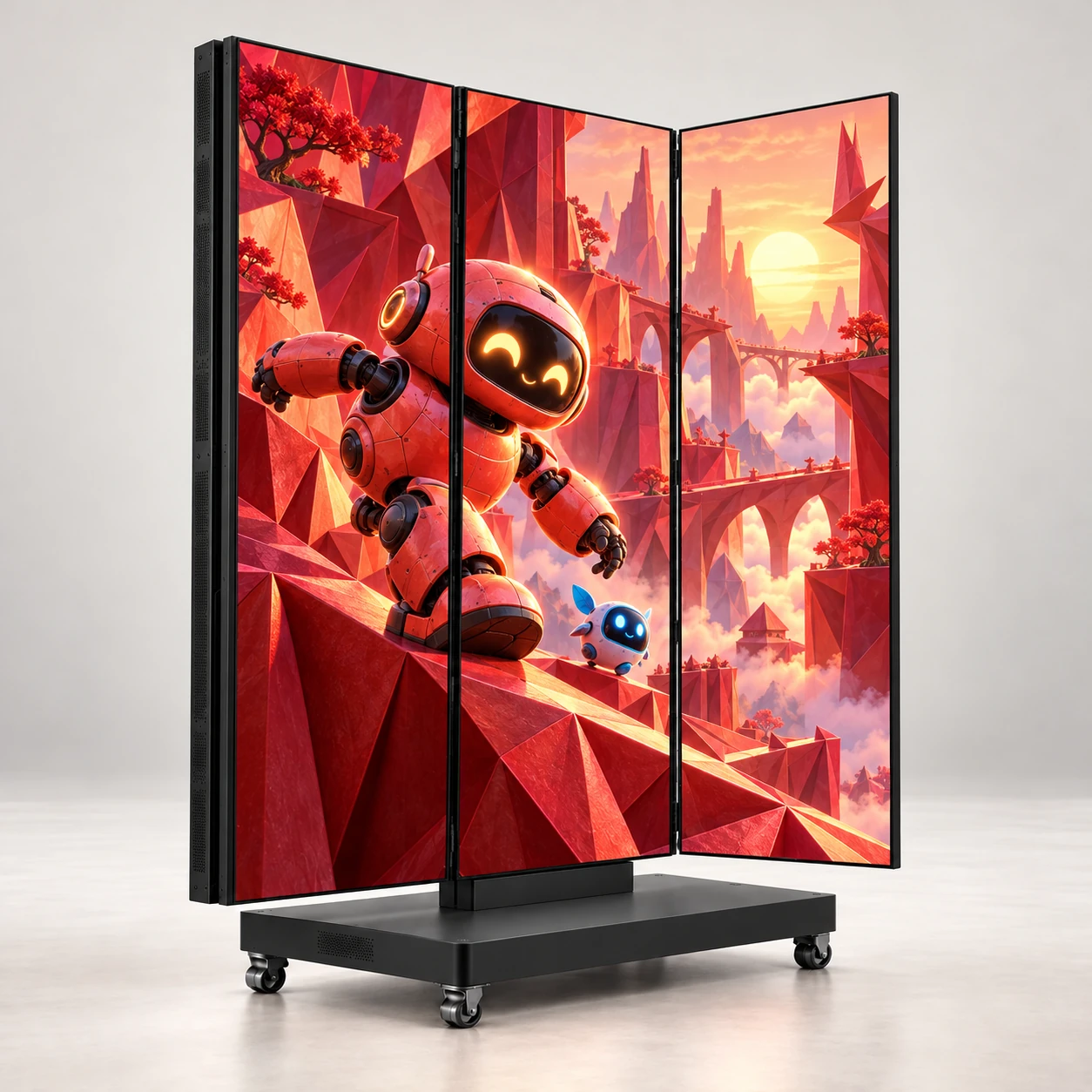
Plan a connected canvas for your exhibition, launch or retail installation. Match the unit count, controller and content layout to the space.
Plan a multi-screen project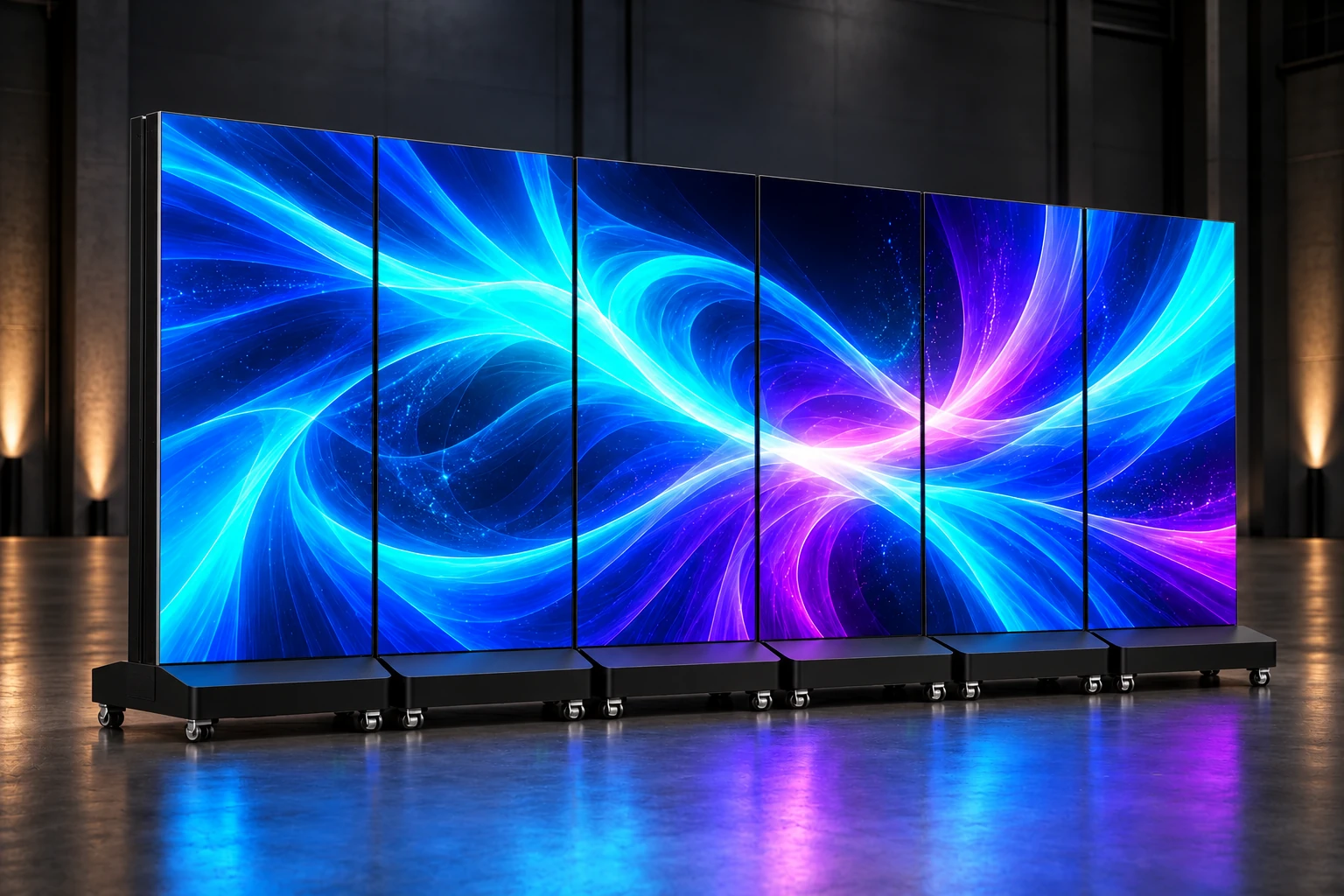
Generated installation concept. Six 640 × 1920 mm active areas form a 2:1 canvas. Confirm joining hardware, controller capacity, image alignment and content mapping for the final installation.
02 / DESIGNED FOR DEPLOYMENT
From the display surface to content playback, the HB-X series brings practical features into a compact commercial format.
Reference dimensions from the HB-X brochure. Confirm cabinet depth, connections and mounting details against the final drawing.
The LED series uses a GOB protective process over its direct-view LED surface. A focused format for commercial display applications.
A slim upright cabinet with four swivel wheels. Reposition the display as your space, campaign or event changes.
Publish through app, USB or Ethernet. Synchronous and asynchronous playback are supported; HDMI and 4G are optional configurations.
HB-X / BUILD & DEPLOYMENT PLANNING
Review the surface, mobile base and joined-screen canvas. The previews illustrate engineering topics; final configuration and test evidence are confirmed for your project.
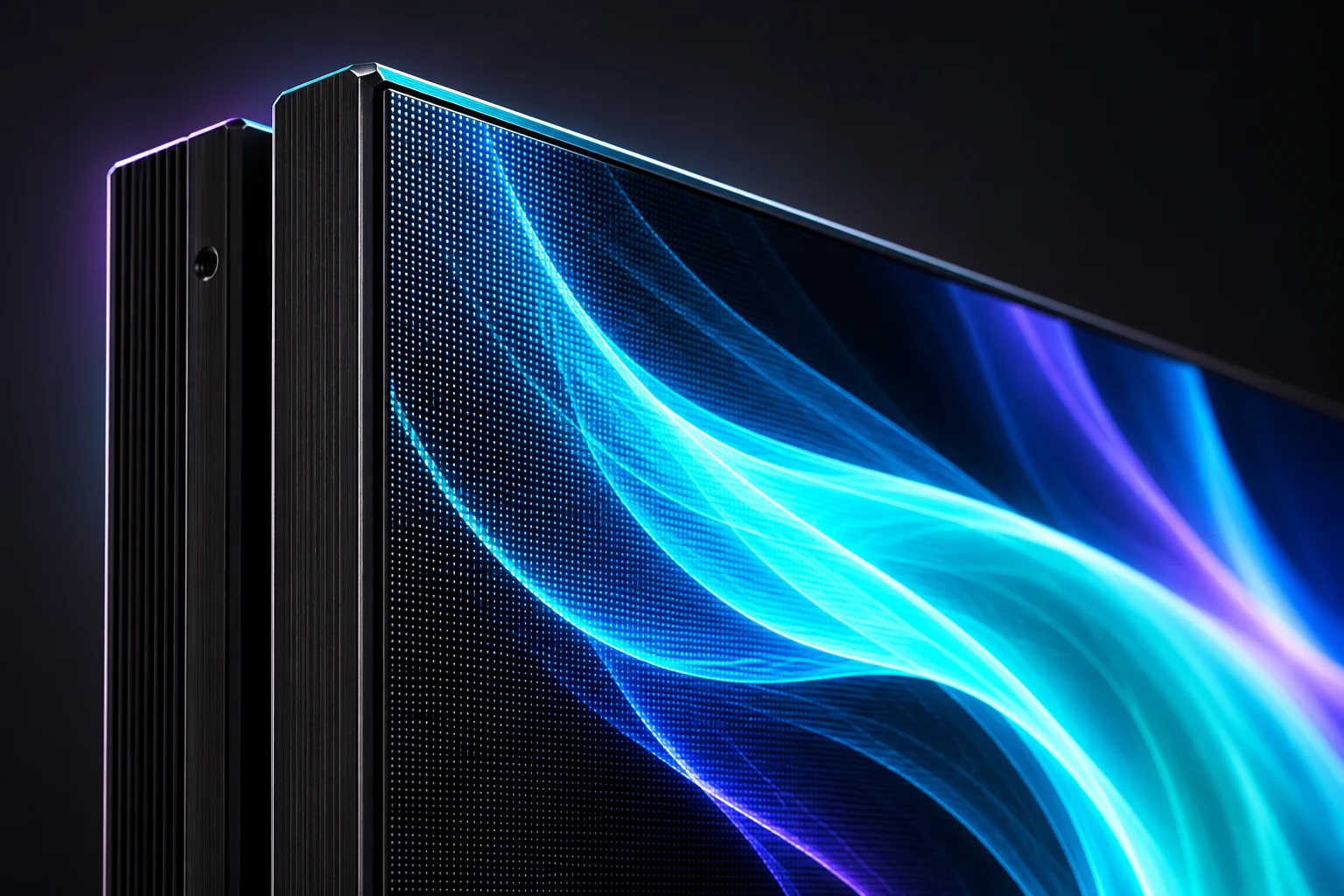
Generated illustration with optional ambient animation. No verified test video has been provided for this topic.
01 / SURFACE & CABINET
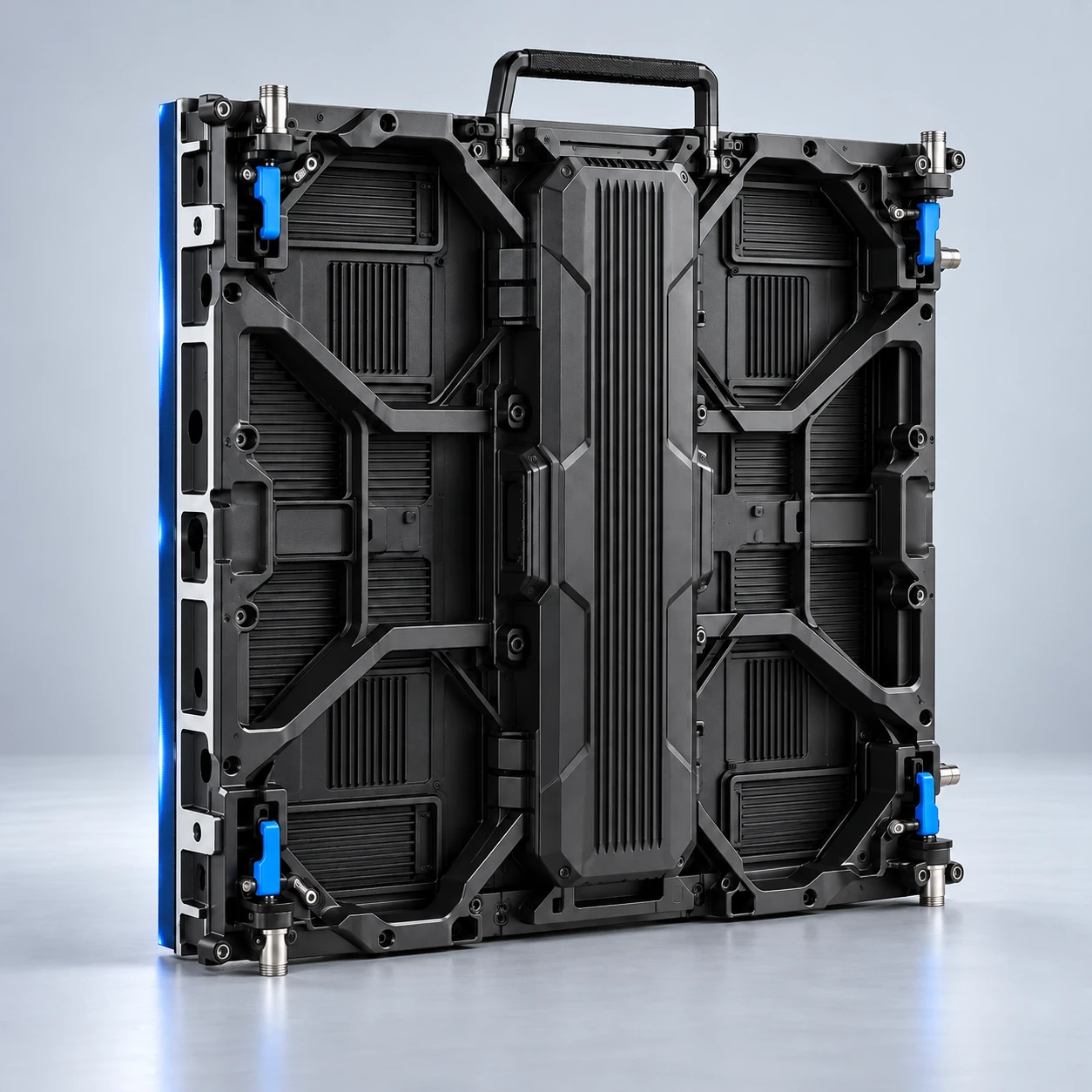
Explore the direct-view LED surface and cabinet edge. The supplied HB-X brochure lists GOB protection; confirm handling and cleaning requirements for your configuration.
This is a generated detail illustration, not an impact test. No waterproof rating, dustproof certification or coin-scratch resistance is established by the supplied brochure.
Read the engineering requirements →ON CAMERA / CONFIGURATION MATTERS
A high listed refresh rate is one part of the setup. Check the display with the camera, content and lighting you will use at the venue.
A starting exposure, not a guaranteed result. Scan settings, brightness, shutter timing, distance and focus can affect banding or moiré. Request a camera test for your configuration.
Discuss your camera and controller setup03 / COMMERCIAL APPLICATIONS
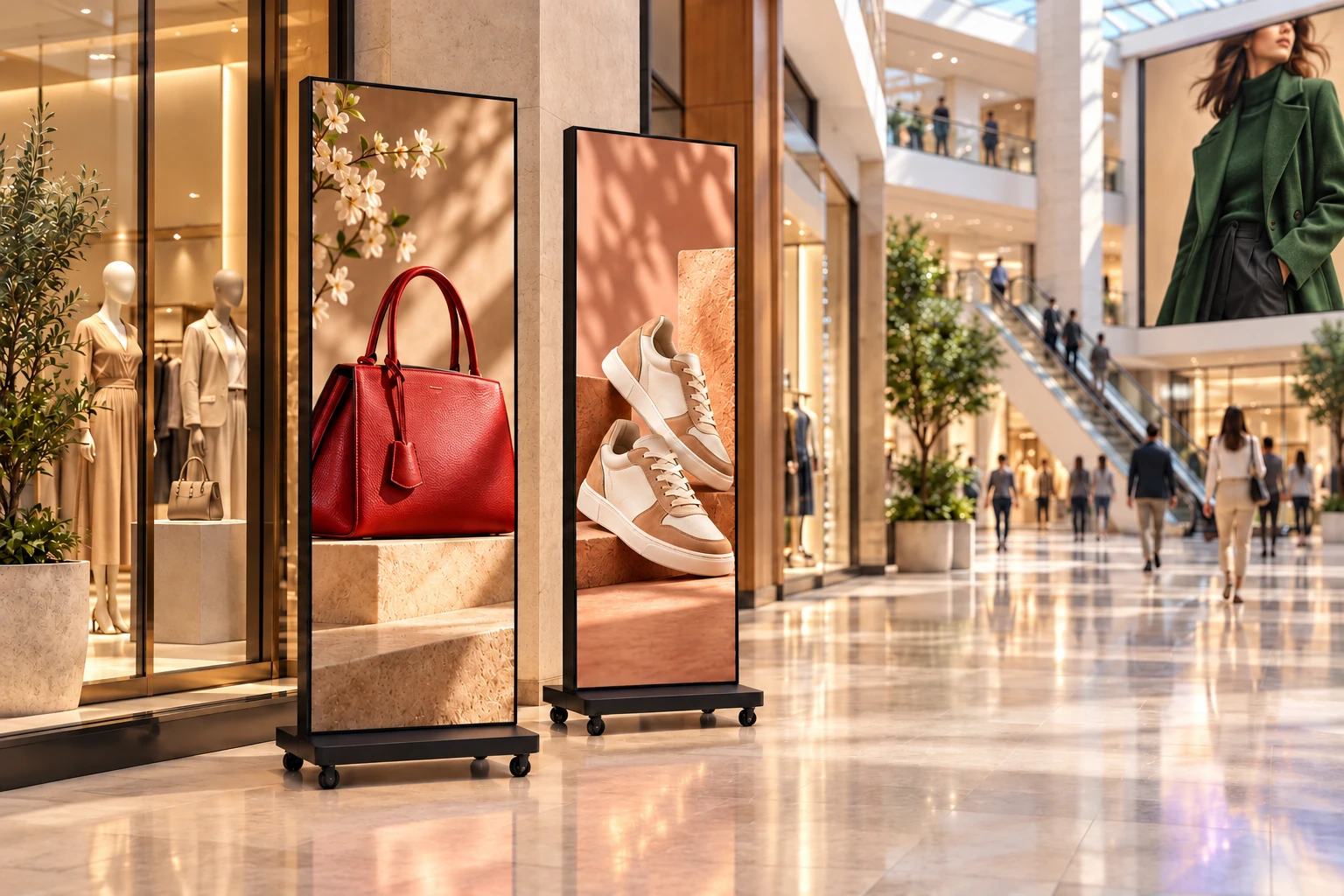
Give seasonal campaigns and store launches a place in the customer journey, from the mall atrium to the shop entrance. Mobile posters can complement a fixed display without redesigning the whole space.
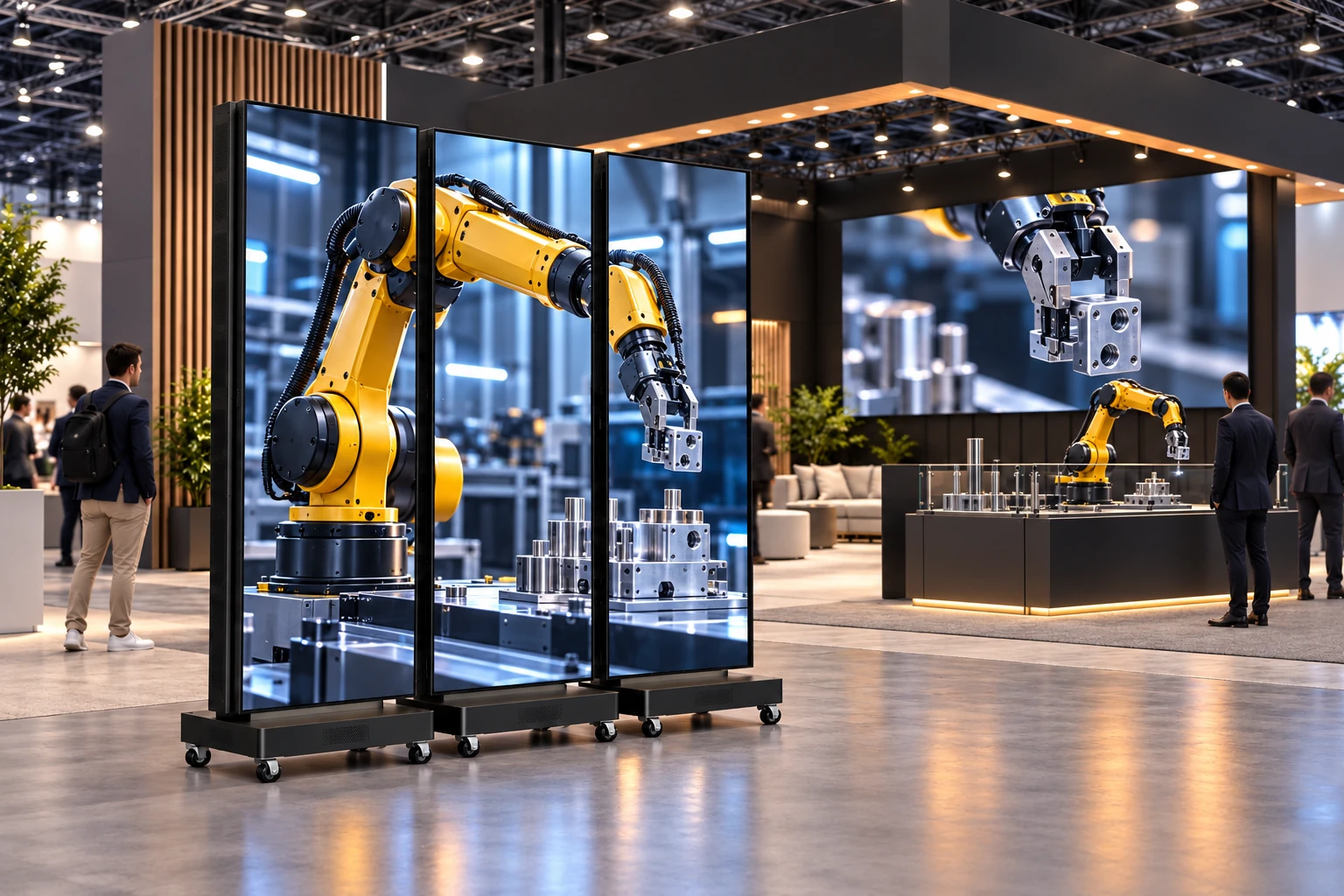
Use a mobile poster, joined display or modular event wall to introduce your story from the aisle. Plan the media canvas together with the booth footprint and the transport requirements.
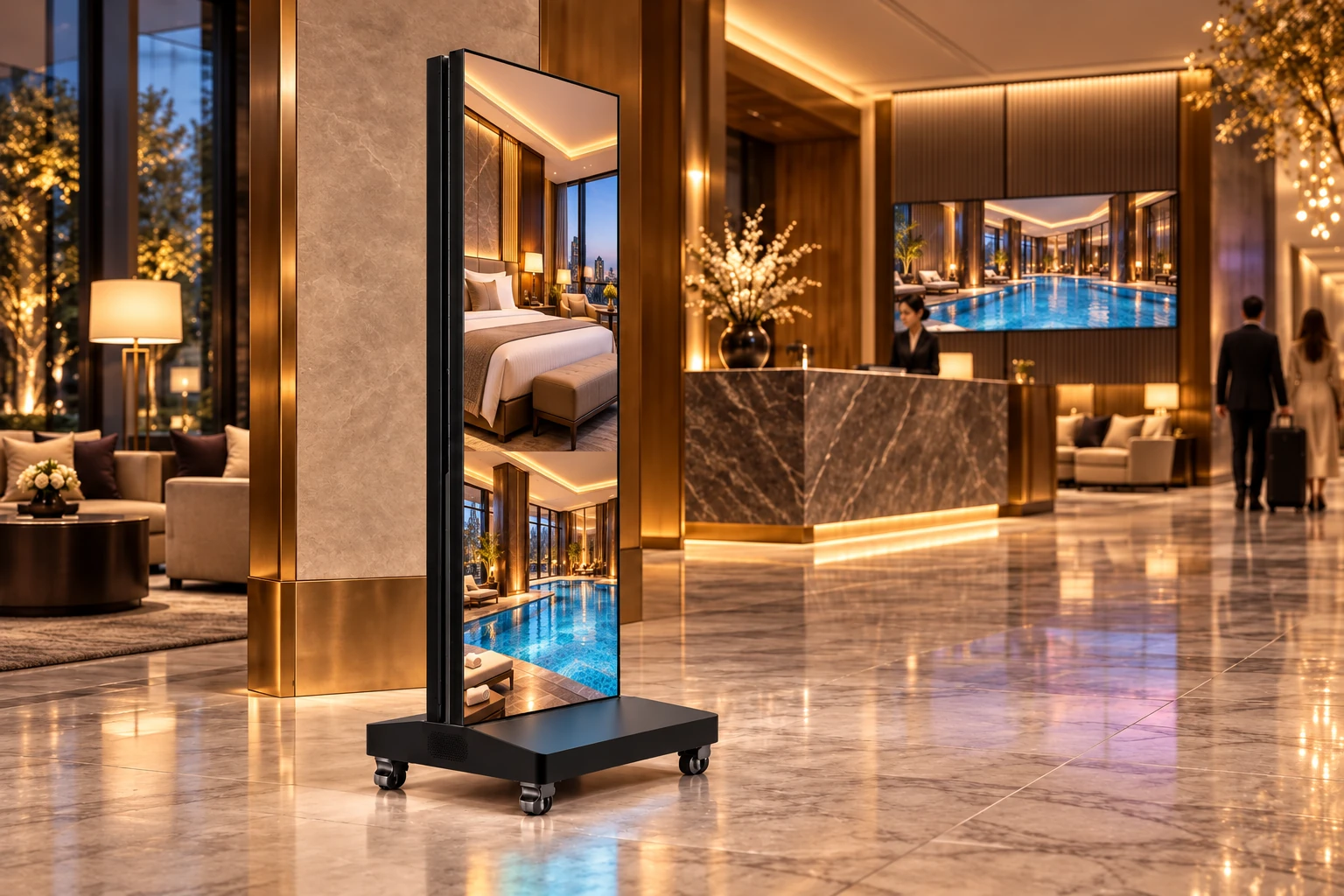
Connect arrival, concierge and conference spaces with a coordinated visual welcome. Posters and wall displays can carry destination imagery, event information and service introductions.
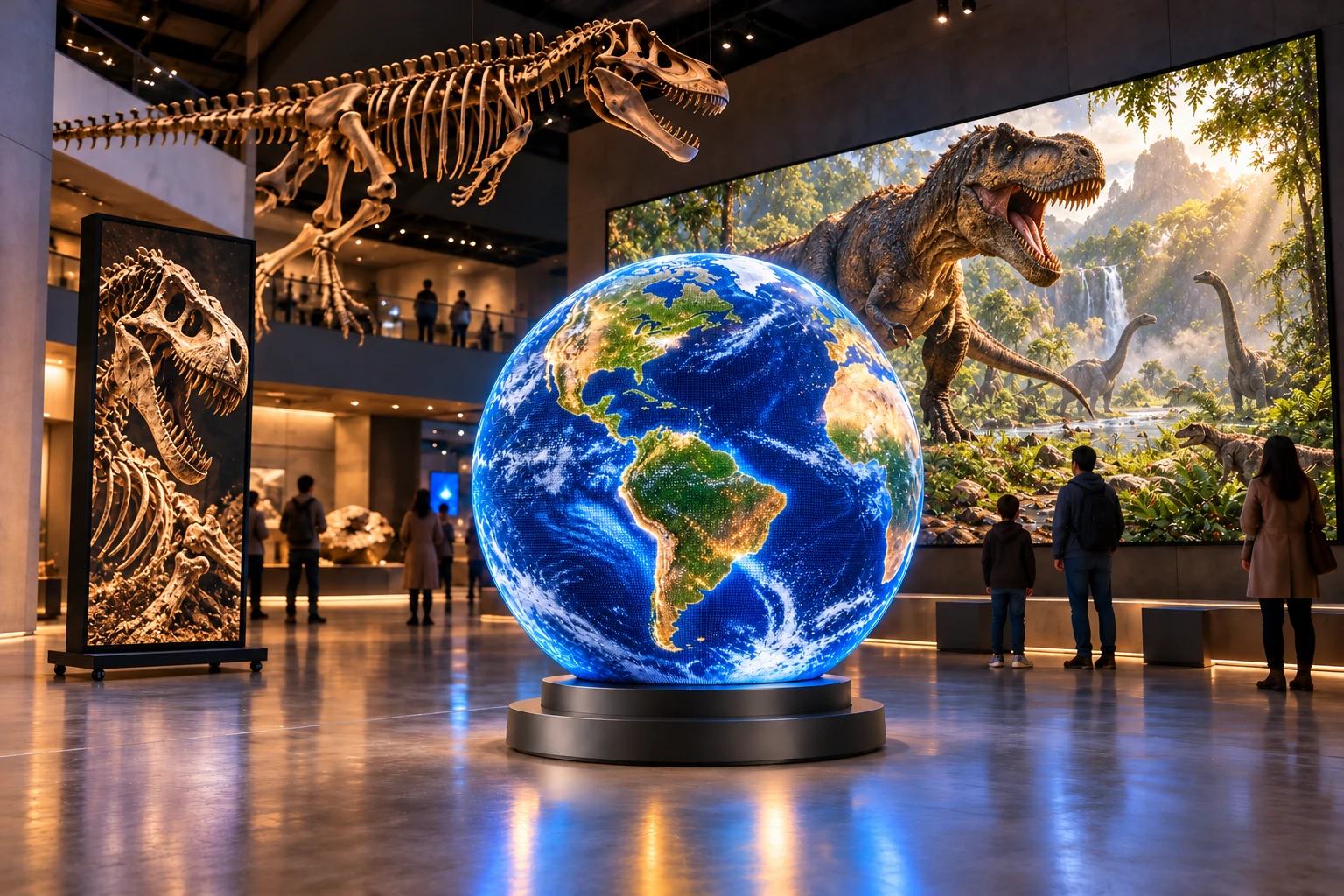
Give exhibition stories a screen format that fits the gallery: a portrait introduction, a wide visual backdrop or a shaped digital exhibit. Start with the visitor path and media design.
Independently generated concepts for planning your display project
Explore all 10 applications04 / BUYER KNOWLEDGE
Installation guide
Learn what GOB and IP54 front protection mean for KEDA HB-X LED posters, and how to assess rain exposure, sunlight, cabling and installation requirements.
Read the guideControl & content
Plan LED poster publishing, inputs, synchronization and controller capacity before ordering. Learn what to confirm for a standalone or joined HB-X display.
Read the guidePacking & logistics
Compare flight cases and crates, distinguish net from gross weight, and confirm package dimensions, freight scope and destination before shipping LED posters.
Read the guideInspection & acceptance
Prepare a practical LED poster acceptance record covering the model, cabinet, image, controller, accessories and delivery evidence before signing off a project.
Read the guideBEFORE YOUR FIRST INQUIRY
Start with the display requirements. Confirm the final configuration with our team.
Start with viewing distance, text size and sample content. The four HB-X models share the same active area; a smaller pitch gives a higher listed resolution. Read the pixel pitch guide →
The source brochure describes multi-unit joining. Confirm the unit count, arrangement, controller capacity and combined content resolution for your project. Review the engineering requirements →
GOB is the listed protective surface process. It does not establish a weatherproof rating for every configuration. Share the exposure and placement conditions so the installation requirements can be assessed.
Send your model or selection questions, quantity, application, destination and timeline. Add controller, packing and document requirements if known. Use the quotation checklist →
SPECIFICATION-BASED FACTORY QUOTATION
Compare the same display configuration and delivery scope. Open a factor to review what it changes and what to share.
Final price, availability, production timing and freight are confirmed for your selected configuration in the written quotation.
05 / START WITH THE FACTORY
Tell us where the display will work, what it needs to show and how many units you need. We’ll discuss the model and configuration with you.
Discuss your display project info@kedaled.comSend the application, viewing distance, quantity, destination and target date. You can start without a selected model.
Discuss the display, controller, layout and requested options, then confirm what is included in the written quotation.
Agree applicable drawings, acceptance criteria, commercial terms and the order schedule before production.
Confirm inspection evidence, protective packing, packed weight and freight responsibilities for the approved order.
Production timing, inspection requirements, packing and delivery arrangements are confirmed in your quotation and order agreement.
MORE DISPLAY FORMATS
BEYOND THE LED POSTER
4K floor-standing LCD in 75, 85 and 98-inch sizes. Wall-mounted LCD from 43 to 98 inches. Separate technologies, dedicated specifications.