Ultrawide LCD displays / LCD
49-inch Ultrawide LCD Bar Display
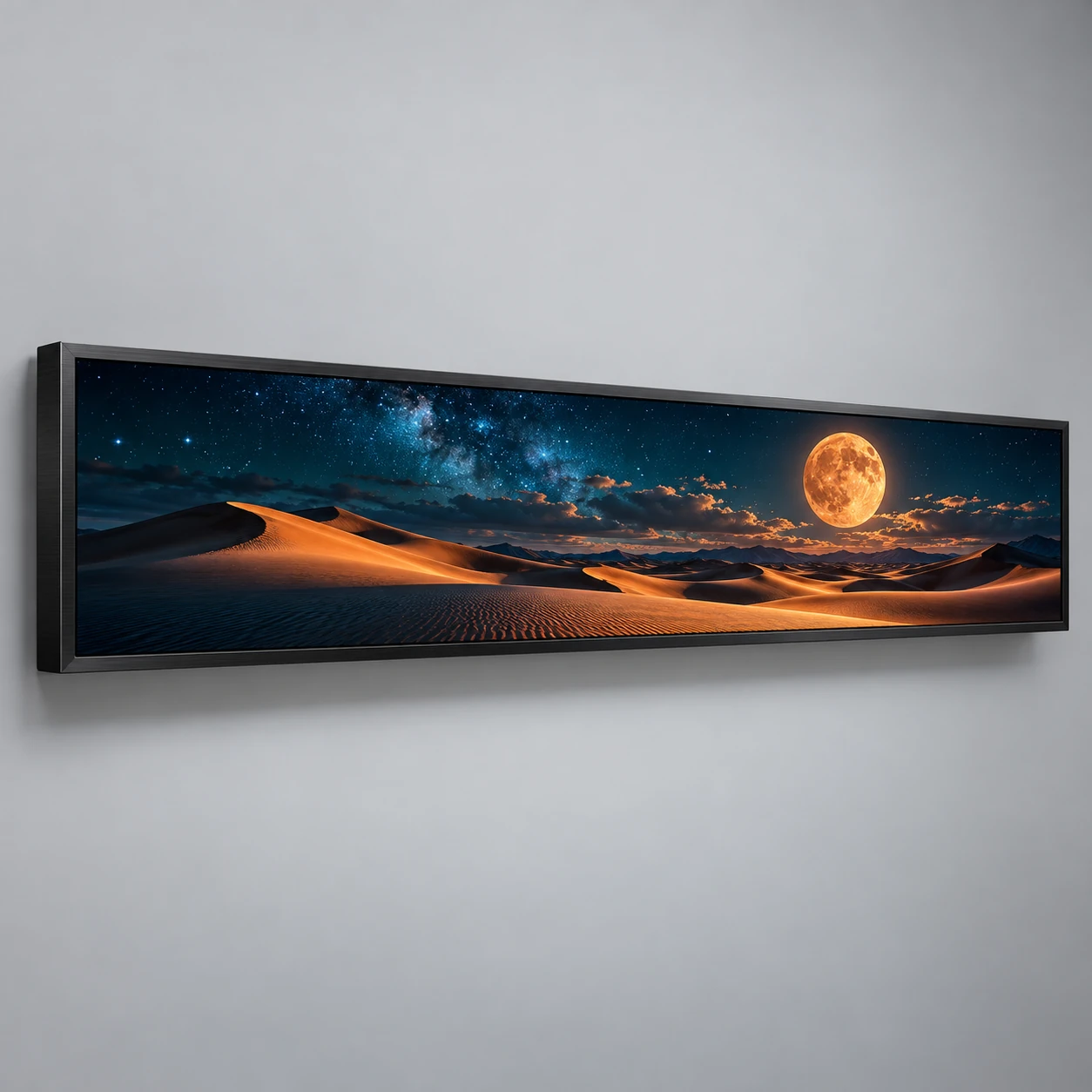
A 49-inch 32:9 LCD bar format for panoramic campaigns above retail fixtures, counters and feature walls where a conventional poster would not fit the available shape.
Designed for your project
- A panoramic canvas rather than a standard 16:9 poster.
- Use the long format to connect several visual subjects.
- Specify the player output to match the panel canvas without distortion.
Specifications
- Environment
- Indoor
- Display technology
- LCD
- Screen size
- 49 inches
- Panel format
- 32:9 ultrawide landscape
- Installation
- Wall or fixture mounting
- Native resolution
- Selected panel pixel canvas to confirm
Planning specification: confirm the selected panel, enclosure, battery and software in the written quotation. The generated studio image illustrates the format and finish; it is not a weather test or a delivered-unit photograph.
FROM DISPLAY FORMAT TO DAILY OPERATION
Plan the application
Where it fits
- Retail feature walls
- Counter headers
- Panoramic brand installations
Build the content
Build 32:9 assets with focal points distributed across the canvas. Confirm the exact native pixel resolution before exporting; panel shape alone does not establish a 4K standard.
Check the placement
Measure the full cabinet width and mounting access. Check bracket fixing points, wall capacity, cable exits and the clearance needed to remove the display for service.
Plan your order
Our displays come with a 2-year factory warranty. Coverage, start date and service arrangements are documented in your order agreement.
Confirm installation suitability, controller configuration, packing dimensions and gross weight, spare parts and model-specific conformity documents before ordering. Include destination and quantity in your request.
- Native resolution, cabinet dimensions and approved mounting drawing
- Panel brightness and ambient reflections
- Player output modes, aspect-ratio handling and content software
SPECIFICATION-BASED FACTORY QUOTATION
What shapes your quotation
Compare the same display configuration and delivery scope. Open a factor to review what it changes and what to share.
Display format & detail
- Why it matters
- LED pixel pitch and resolution, or LCD panel size and resolution, define the display you are comparing.
- What to share
- Share the viewing distance, screen content and preferred model. Ask for selection help if the model is not decided.
Quantity & joined layout
- Why it matters
- Unit count and a standalone or joined-screen layout change the hardware, content map and total project scope.
- What to share
- Send the quantity and intended arrangement, plus the available space or a floor plan if known.
Controller & content workflow
- Why it matters
- Playback, synchronization, inputs, software and optional connectivity must match the selected display configuration.
- What to share
- Explain how content will be published and whether you need HDMI, a named controller, cloud publishing or multi-screen playback.
Packing, spares & inspection
- Why it matters
- Flight cases or crates, units per package, spare parts and acceptance checks must be included in the quotation.
- What to share
- Name the packing and inspection requirements. Confirm packed dimensions and gross weight before comparing freight.
Destination & order terms
- Why it matters
- The destination, transport method, delivery scope and agreed order schedule affect the complete landed project.
- What to share
- Provide the country, city or port and target date. Confirm the trade term and what the quoted delivery includes.
Final price, availability, production timing and freight are confirmed for your selected configuration in the written quotation.
FROM RESEARCH TO AN ORDER BRIEF
Buyer guides for your next decision
Compare display technologies and prepare the questions for your factory quotation. Confirm the specifications for your selected format.