Choose a Touchscreen Kiosk or a Conference Display
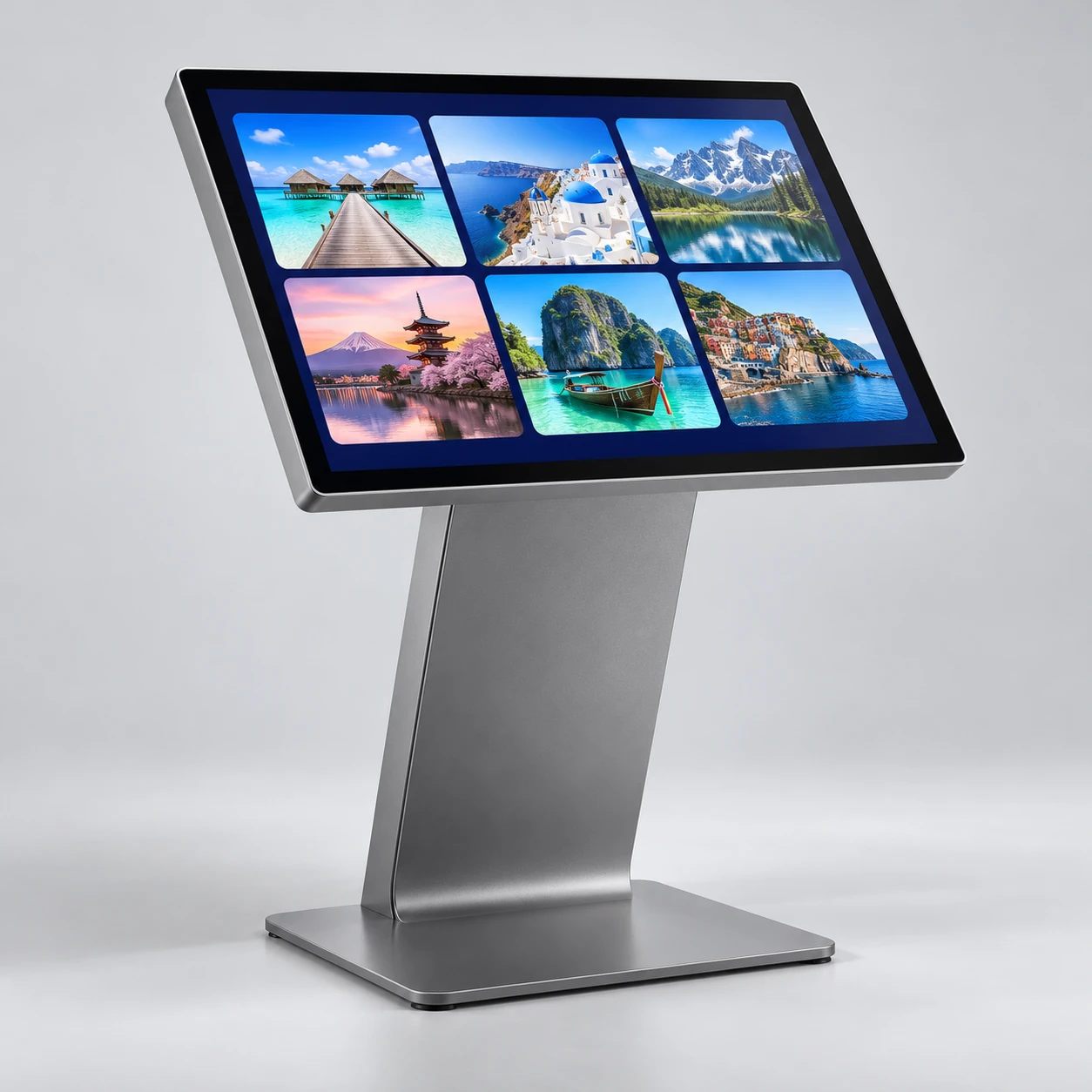
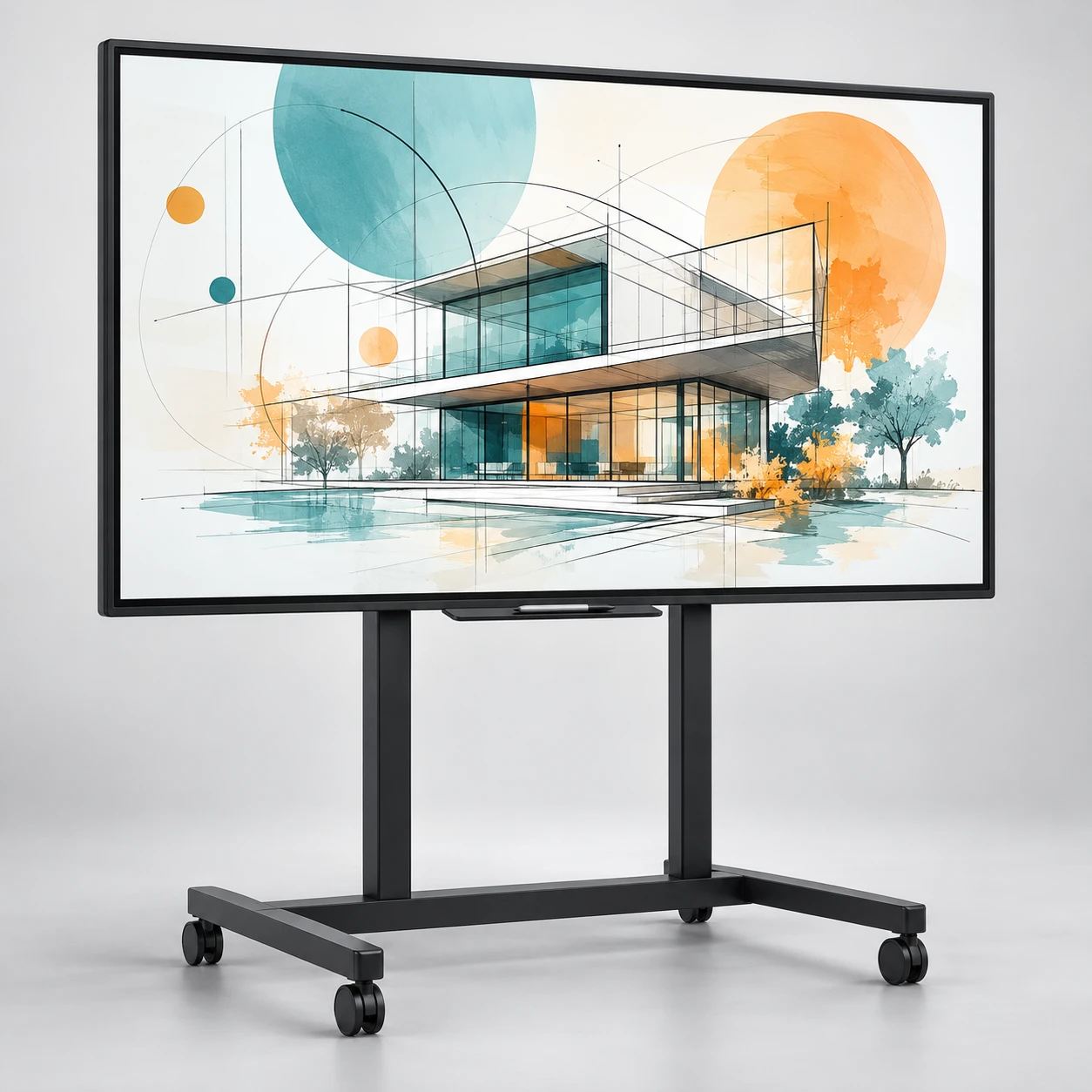
Choosing a touchscreen starts with the job people need to do. An indoor kiosk gives visitors a place to look up a directory or explore product information; an interactive conference display gives a group a shared screen for meetings or training. Compare the two formats below, then confirm the application, touch setup and mounting for your selected build. Agree software, licences and peripherals in the quotation.
Touchscreen kiosks for directories and visitor information
Start with the self-service kiosk format for directory lookup, visitor information or an exhibition product selector. Map the screens visitors need, how they return to the home screen and what should happen if the network drops. Confirm the selected Android or Windows configuration. Scanners, printers, payment devices and their software need a separate agreed scope; they are not included by default.
Interactive conference displays for shared room use
Start with the conference display format when people need a shared screen for presentations, training or collaborative work. Share the room layout, viewing positions and the applications you intend to use. Confirm touch behaviour, source connections and wall mounting or an approved mobile stand. List cameras, microphones, sharing hardware and software licences separately rather than assuming they come with the panel.
Compare interactive displays
Open a model for its gallery, specifications, configuration checks and downloadable PDF.
Which tasks call for a kiosk rather than a conference panel?
A kiosk suits an individual visitor looking up a directory or product. For group annotation or presentations, check a conference panel against the room layout and the team’s devices.
Are scanners and payment devices included with a self-service kiosk?
List the devices and application in the brief. The kiosk specification treats peripherals as project-specific. Confirm the operating platform, drivers and software integration in the quote.
How should we approve the conference display size?
The series lists 55–100-inch options. Check a sample slide from the furthest seat and verify mounting, touch reach and the selected panel resolution before ordering.
Resources for the next decision
Related display collections
Optional website analytics
Allow Google Analytics cookies to measure visits, page performance, search or AI sources, and clicks on brochures or contact links. Inquiry details are excluded. Declining keeps the website usable.
How analytics works
We do not send contact information to Analytics. With permission, a predefined source category is kept for this browser tab; full referring URLs and campaign text are excluded. Your choice is saved on this device and can be changed through Privacy & analytics settings.