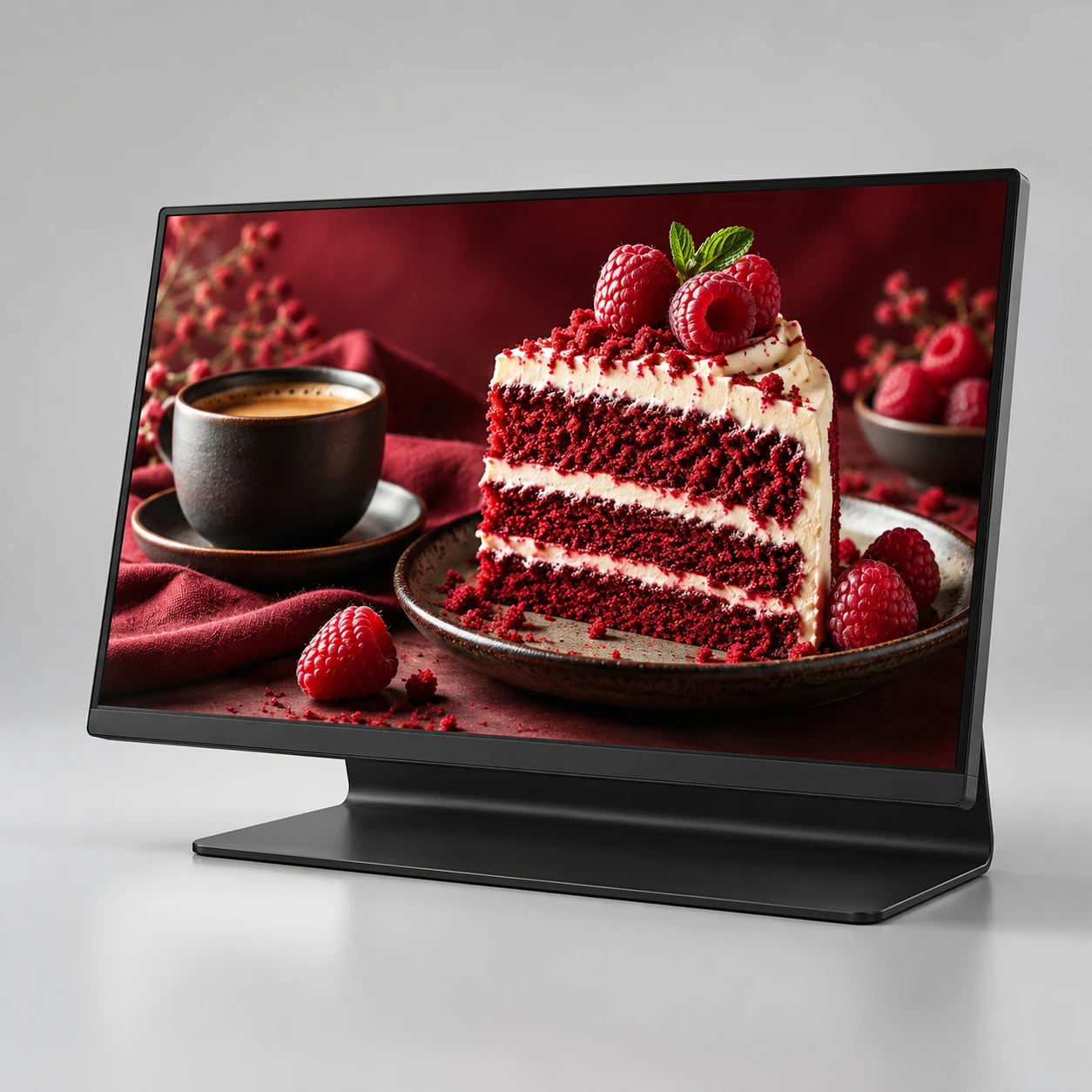
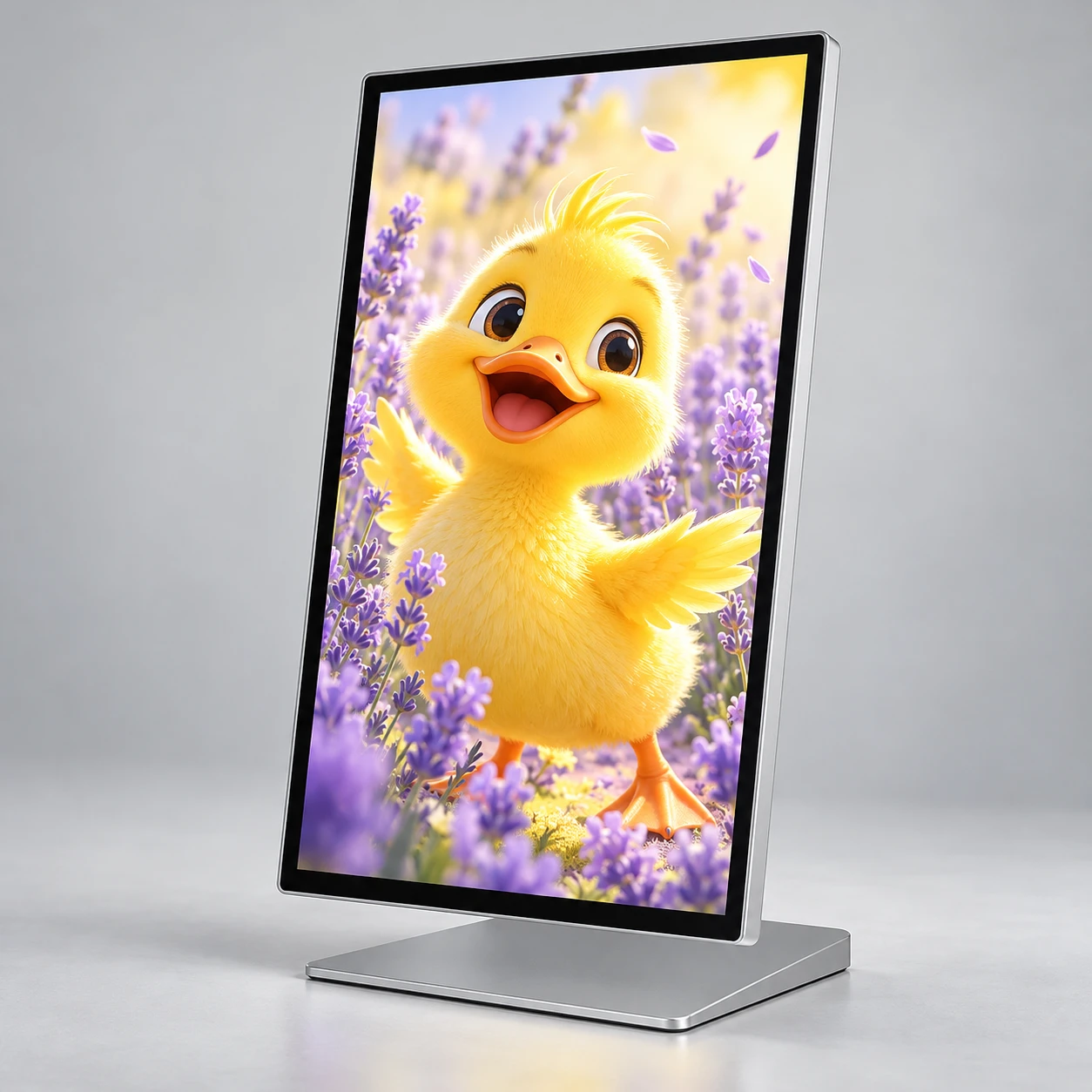
Tabletop digital signage puts information near a counter, reception desk or product demonstration. Compare a desktop menu display, a general countertop LCD and a mirror display by the viewing task. The selected product must fit the usable counter depth and the customer’s sightline.
Plan readable text, short product sequences and the intended screen orientation. Confirm the player, power connection and any selected touch function; a digital menu screen is not automatically an ordering or payment terminal.
Mirror display formats
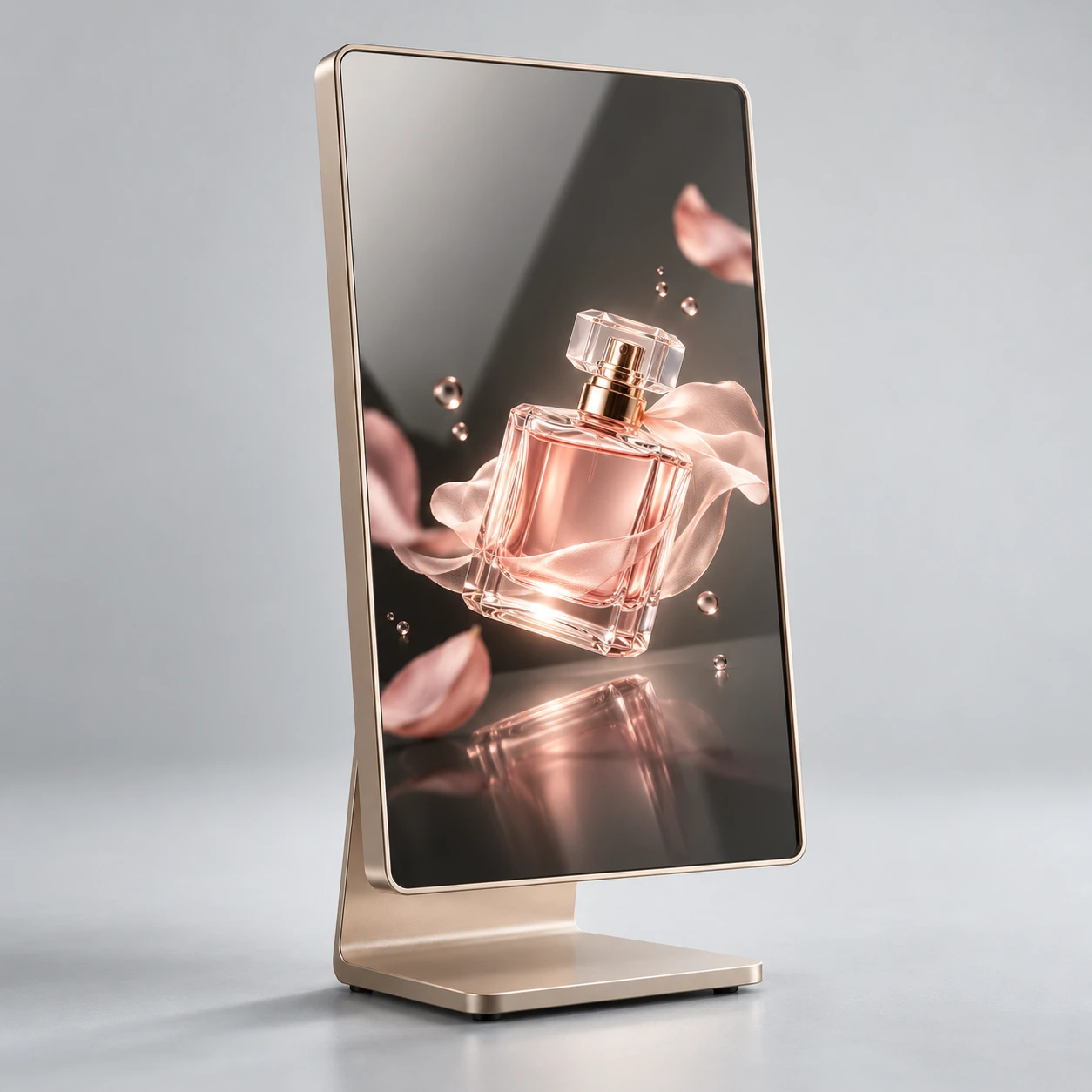
Evaluate the mirror and displayed content together under the intended lighting. Confirm the selected panel, mirror finish, operating mode and installation arrangement instead of assuming a standard desktop LCD produces the same result.
Compare tabletop displays
Open a model for its gallery, specifications, configuration checks and downloadable PDF.
Which countertop display should we test with a menu?
Compare the 21.5-inch countertop LCD and 23.8-inch menu display with your smallest price and item text. Check the usable counter depth with the stand and cables in place.
Is touch ordering included?
Touch is configuration-dependent on the menu and compact countertop displays. Specify the ordering application, required peripherals and point-of-sale integration separately.
How can we evaluate the 13.3-inch mirror display?
Test sample content under the actual counter lighting and check readability alongside the reflection. Confirm any presence sensing and its expected response separately.
Resources for the next decision
Related display collections
Optional website analytics
Allow Google Analytics cookies to measure visits, page performance, search or AI sources, and clicks on brochures or contact links. Inquiry details are excluded. Declining keeps the website usable.
How analytics works
We do not send contact information to Analytics. With permission, a predefined source category is kept for this browser tab; full referring URLs and campaign text are excluded. Your choice is saved on this device and can be changed through Privacy & analytics settings.