Tabletop displays / LCD
23.8-inch Desktop Menu Display
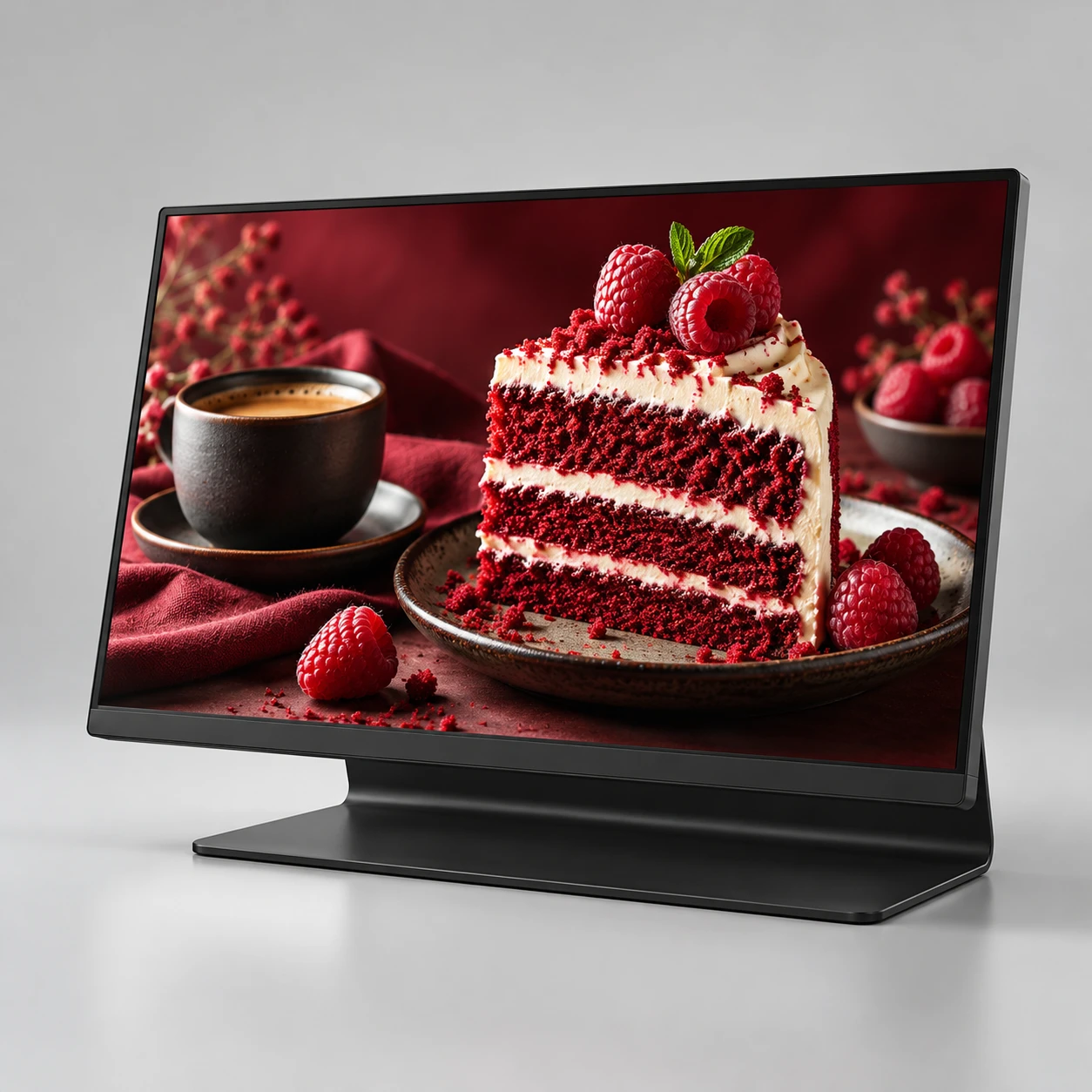
A 23.8-inch countertop LCD in an integrated L-shaped support, for visual menus, featured products and service information viewed at close range.
Designed for your project
- A countertop format that keeps the screen close to the service point.
- Use a landscape visual menu or a project-specific content layout.
- Select touch and battery functions only when the workflow needs them.
Specifications
- Environment
- Indoor
- Display technology
- LCD
- Screen size
- 23.8 inches
- Display format
- Countertop LCD
- Structure
- Integrated L-shaped support
- Interaction
- Touch configuration optional · confirm selected model
- Power planning
- Mains or optional battery configuration
Planning specification: confirm the selected panel, enclosure, battery and software in the written quotation. The generated studio image illustrates the format and finish; it is not a weather test or a delivered-unit photograph.
FROM DISPLAY FORMAT TO DAILY OPERATION
Plan the application
Where it fits
- Café service counters
- Restaurant menu highlights
- Retail product counters
Build the content
Use appetising product photography and a small number of readable menu groups. For touch ordering, define the software integration separately from the menu display.
Check the placement
Check the customer and staff sightlines, cleaning space and complete foot depth. Keep cables and any battery charging arrangement away from spill paths and food preparation.
Plan your order
Our displays come with a 2-year factory warranty. Coverage, start date and service arrangements are documented in your order agreement.
Confirm installation suitability, controller configuration, packing dimensions and gross weight, spare parts and model-specific conformity documents before ordering. Include destination and quantity in your request.
- Orientation, native resolution, stand dimensions and power position
- Touch requirement and application compatibility
- Battery chemistry, capacity, charge time and runtime at the agreed brightness
SPECIFICATION-BASED FACTORY QUOTATION
What shapes your quotation
Compare the same display configuration and delivery scope. Open a factor to review what it changes and what to share.
Display format & detail
- Why it matters
- LED pixel pitch and resolution, or LCD panel size and resolution, define the display you are comparing.
- What to share
- Share the viewing distance, screen content and preferred model. Ask for selection help if the model is not decided.
Quantity & joined layout
- Why it matters
- Unit count and a standalone or joined-screen layout change the hardware, content map and total project scope.
- What to share
- Send the quantity and intended arrangement, plus the available space or a floor plan if known.
Controller & content workflow
- Why it matters
- Playback, synchronization, inputs, software and optional connectivity must match the selected display configuration.
- What to share
- Explain how content will be published and whether you need HDMI, a named controller, cloud publishing or multi-screen playback.
Packing, spares & inspection
- Why it matters
- Flight cases or crates, units per package, spare parts and acceptance checks must be included in the quotation.
- What to share
- Name the packing and inspection requirements. Confirm packed dimensions and gross weight before comparing freight.
Destination & order terms
- Why it matters
- The destination, transport method, delivery scope and agreed order schedule affect the complete landed project.
- What to share
- Provide the country, city or port and target date. Confirm the trade term and what the quoted delivery includes.
Final price, availability, production timing and freight are confirmed for your selected configuration in the written quotation.
FROM RESEARCH TO AN ORDER BRIEF
Buyer guides for your next decision
Compare display technologies and prepare the questions for your factory quotation. Confirm the specifications for your selected format.