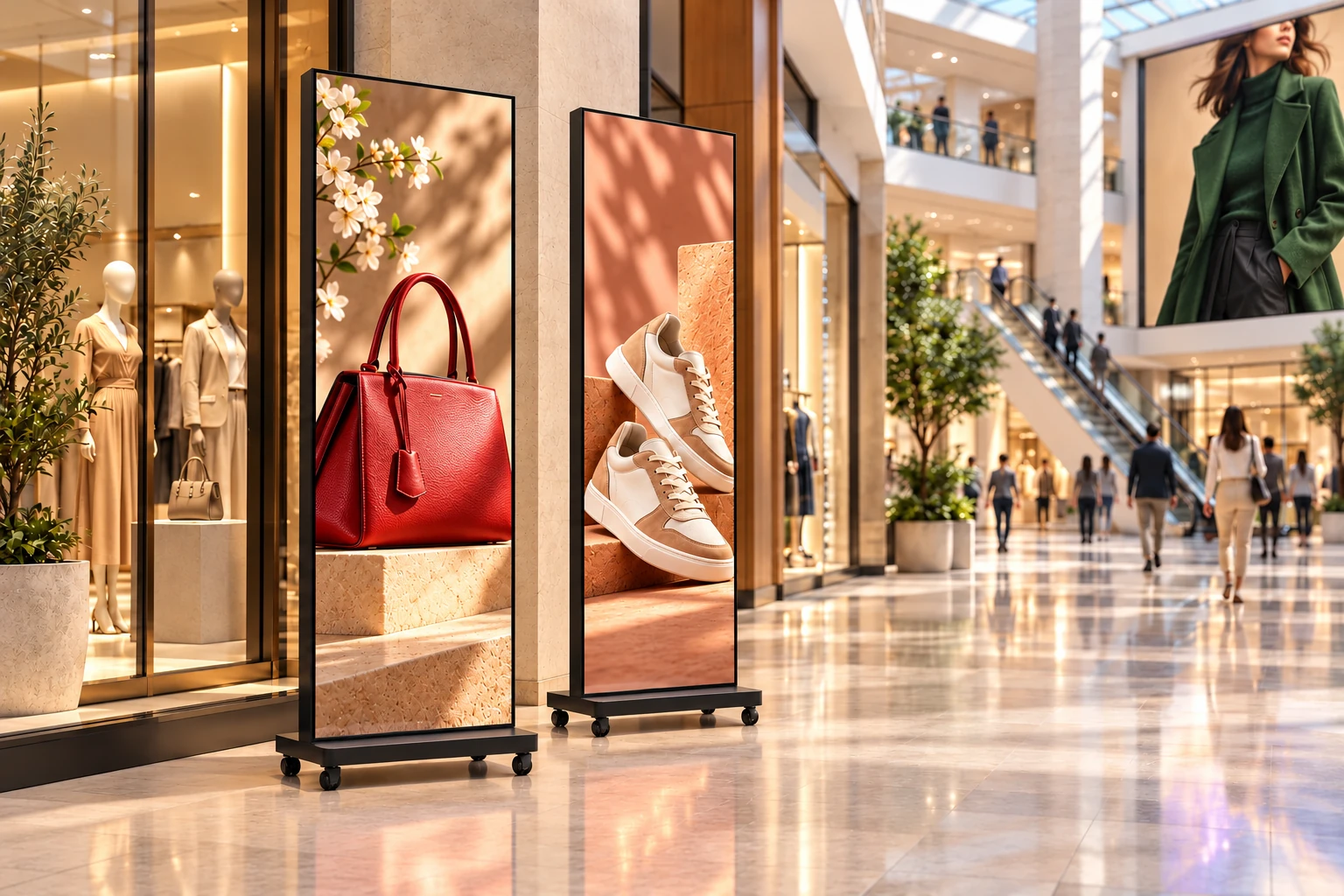
Start with the screen canvas, not the social-media preset
KEDA lists a 640 × 1920 mm active area for the four HB-X models. Width divided by height gives a 1:3 display shape. Cabinet dimensions include parts that do not display an image, so they are not the dimensions to use when designing artwork.
A 1080 × 1920 portrait video is 9:16. If a player scales it to fill a 1:3 screen while keeping the image proportions, content at the sides must be cropped. Fitting the whole image instead leaves unused space above and below. Stretching it changes the shape of faces, logos and products. Recompose the artwork for the screen when those compromises are unacceptable.
Use the model’s pixel grid to judge detail
The models share a physical display area but have different numbers of pixels. These are published display resolutions, not a guarantee that every controller accepts a video file at exactly those dimensions. Confirm the content window, file limits and scaling with the selected playback system.
| Model | Native display pixels | Canvas ratio |
|---|---|---|
| HB-X2.5 | 256 × 768 | 1:3 |
| HB-X1.86 | 344 × 1032 | 1:3 |
| HB-X1.53 | 416 × 1248 | 1:3 |
| HB-X1.25 | 512 × 1536 | 1:3 |
Use the approved controller template for the final export. Pixel counts do not specify codec, frame rate or maximum file size.
Give the message room before adding more pixels
A retail promotion needs a clear message at the point where a customer first notices it. Start with one headline, one product visual and one next step. Move detailed conditions to a suitable supporting channel instead of shrinking the whole layout to fit.
Keep critical copy away from the edges and preview the final composition at the mapped output resolution. Test accented characters, small prices and any QR code with the intended phones and viewing positions. There is no universal font size or margin that works for every pitch, distance and player setting.
If large text looks clear but small text does not, simplify the layout and compare a finer-pitch sample. If the whole picture is cropped or stretched, correct the canvas mapping first. A higher-resolution file cannot create more physical pixels in the display.
Agree the export settings before the designer finishes
Ask the supplier or integrator to confirm these items for the quoted controller. App, USB or network publishing describes a delivery route; it does not by itself establish which media files will play.
- Approved canvas size and orientation, with the exact model and controller identified
- Supported container, video codec, frame rate, bitrate and file-size limits
- Whether the player fits, crops or stretches mismatched files, and where that setting is controlled
- How content is loaded, scheduled and replaced, including any software or licence requirements
- A short test file and a still-image fallback approved on the intended playback setup
A joined display needs a different master layout
When six equal 1:3 portrait displays sit side by side, the combined active area is 2:1, not 16:9. For six HB-X1.86 units, adding the published horizontal pixel counts gives a planning grid of 2064 × 1032. That calculation does not prove the controller’s load capacity or synchronisation support.
Confirm the complete mapping and playback arrangement before designing one image across the group. Decide whether the screens show a continuous composition or separate messages. Keep essential text away from cabinet joins and approve the combined layout on the configured system.
Approve one real campaign before rolling it out
Use a short sequence containing the actual headline, product image, smallest required text and any QR code. Inspect it from the planned customer positions under representative lighting. Check cropping, character clarity, motion and the transition back to the start of the loop. A rendered product picture cannot validate these results.
- Record the display model, controller and export settings used in the test
- Approve the mapped layout and file revision together
- Retest after a change to the controller, resolution or screen arrangement
Quick answers before you export
Can I use the same video as my social campaign? Use it as source material, then adapt its composition to the approved display canvas. A portrait orientation alone does not mean the ratios match.
Will a 4K file make a low-resolution poster sharper? It may provide useful source detail for scaling, but it does not change the display’s native pixel count. Compare the mapped result rather than the file label.
Does a high LED refresh rate mean I should export video at that rate? No. Display refresh and video frames per second are separate specifications. Export at a frame rate the confirmed controller and playback workflow support.
Product documents & next steps
Use the current product documents alongside this guide. Confirm the final specifications, available options and commercial terms for your selected configuration.
- KEDA HB-X2.5: published active area and display resolution
- KEDA HB-X1.86: published active area and display resolution
- KEDA HB-X1.53: published active area and display resolution
- KEDA HB-X1.25: published active area and display resolution